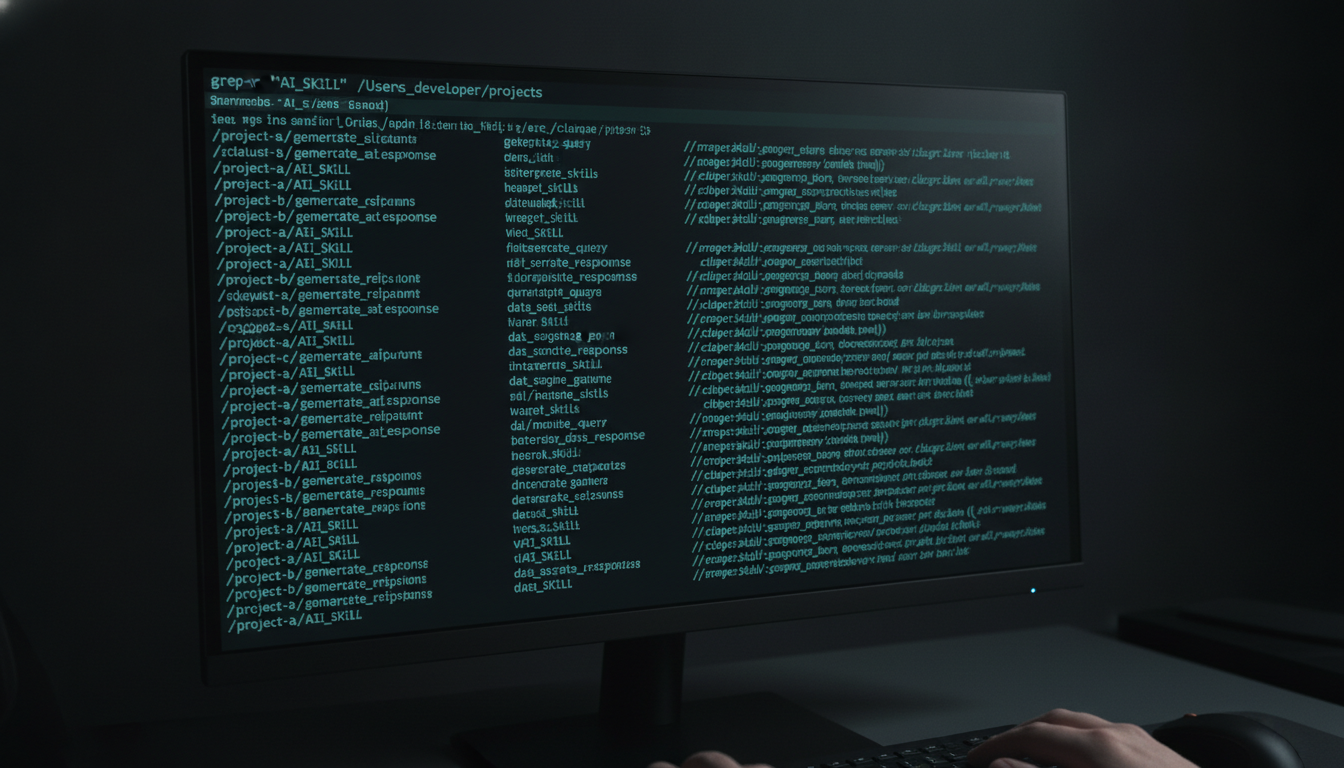
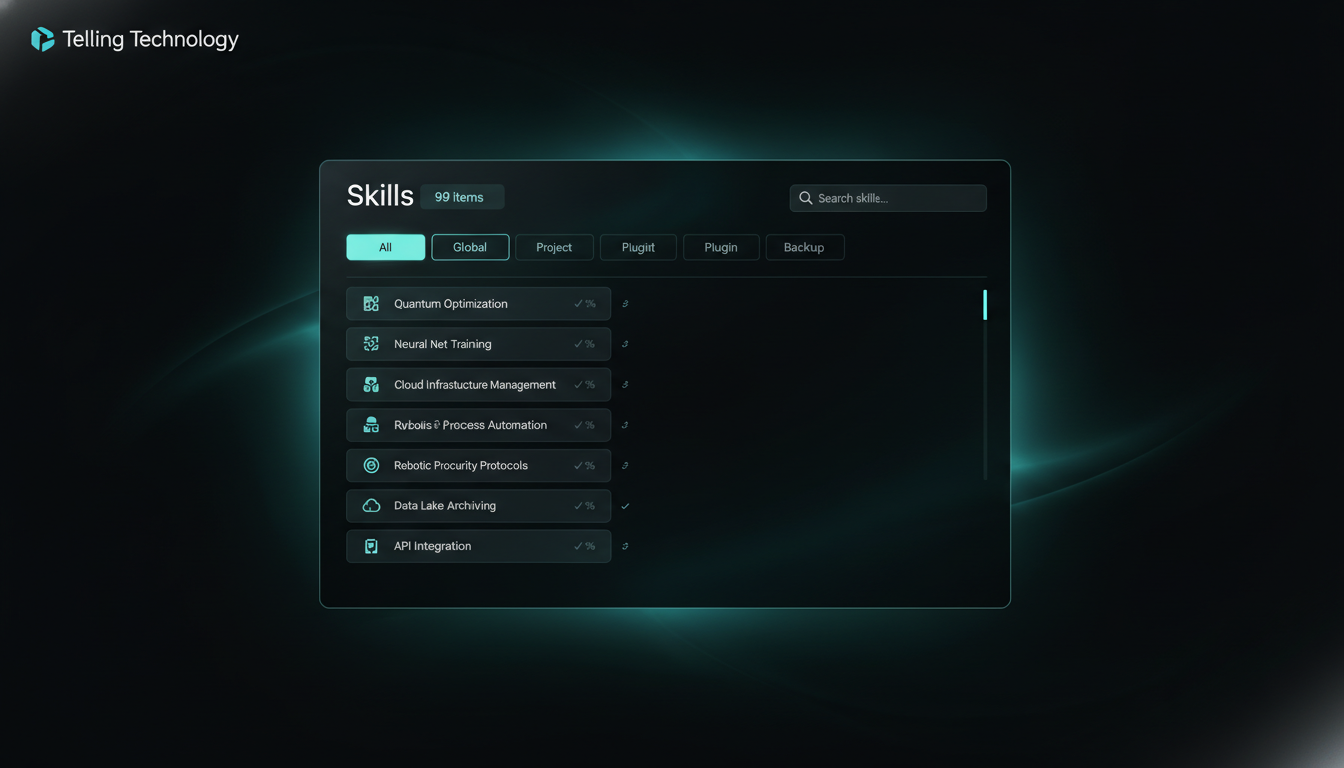
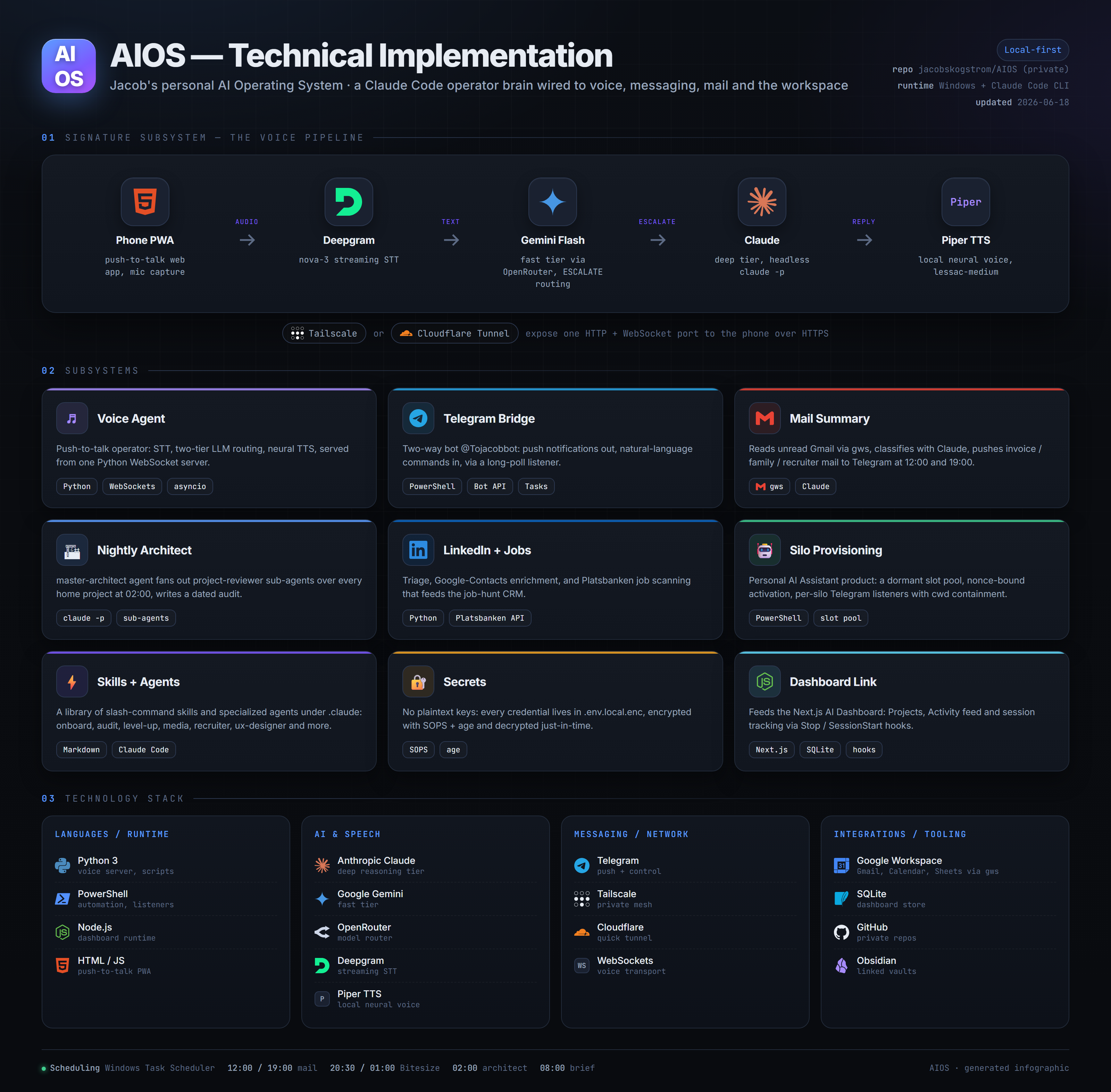
Skills, commands and agents pile up in your global config, inside every project, and in plugin caches. There was never one view — so duplicates drifted out of sync in silence. I had my dashboard build the registry that finally sees them all.
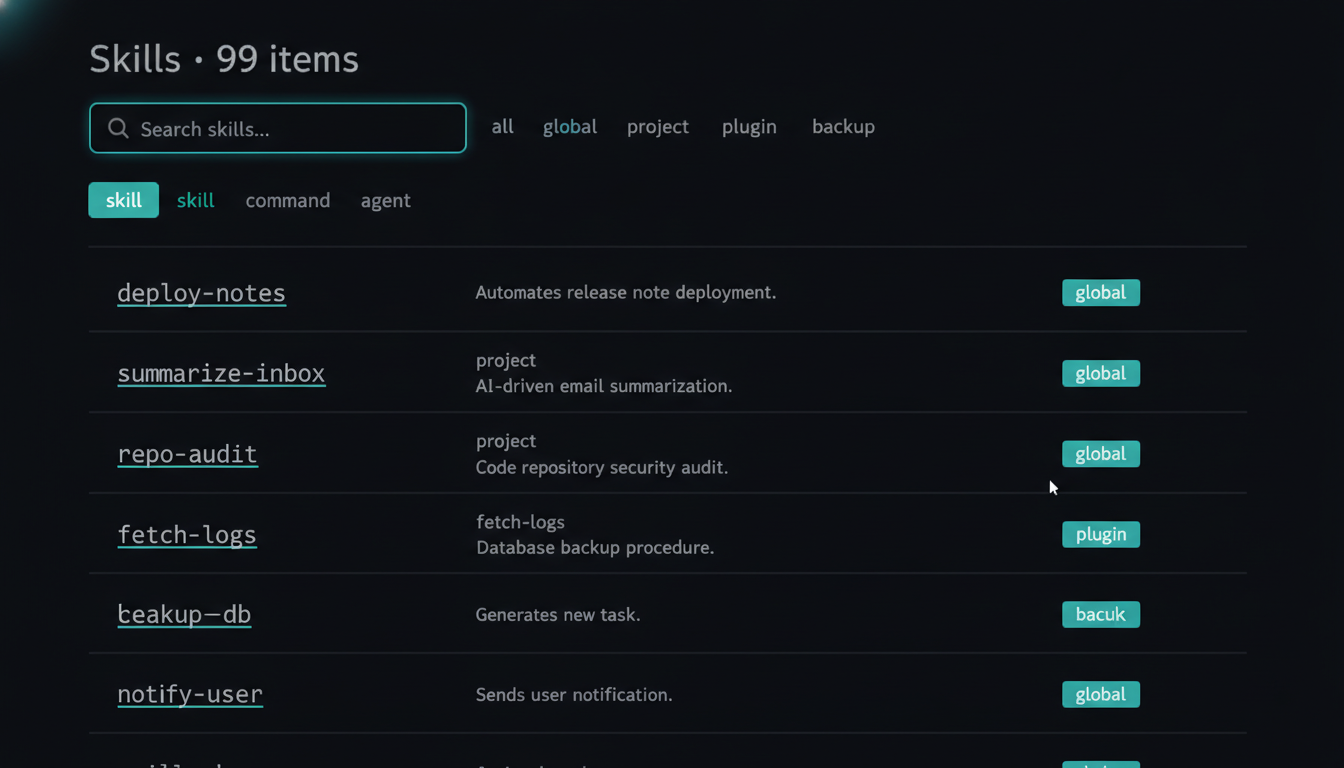
Skills, commands and agents live in your global config, inside every project's own folder, and in plugin caches. No single view. You copy one into a project to tweak it, forget, and now two versions drift apart. The same day, several repos each got the same "remove duplicated global command copies" cleanup — the third time I ran it by hand, I knew I needed a map, not a broom.
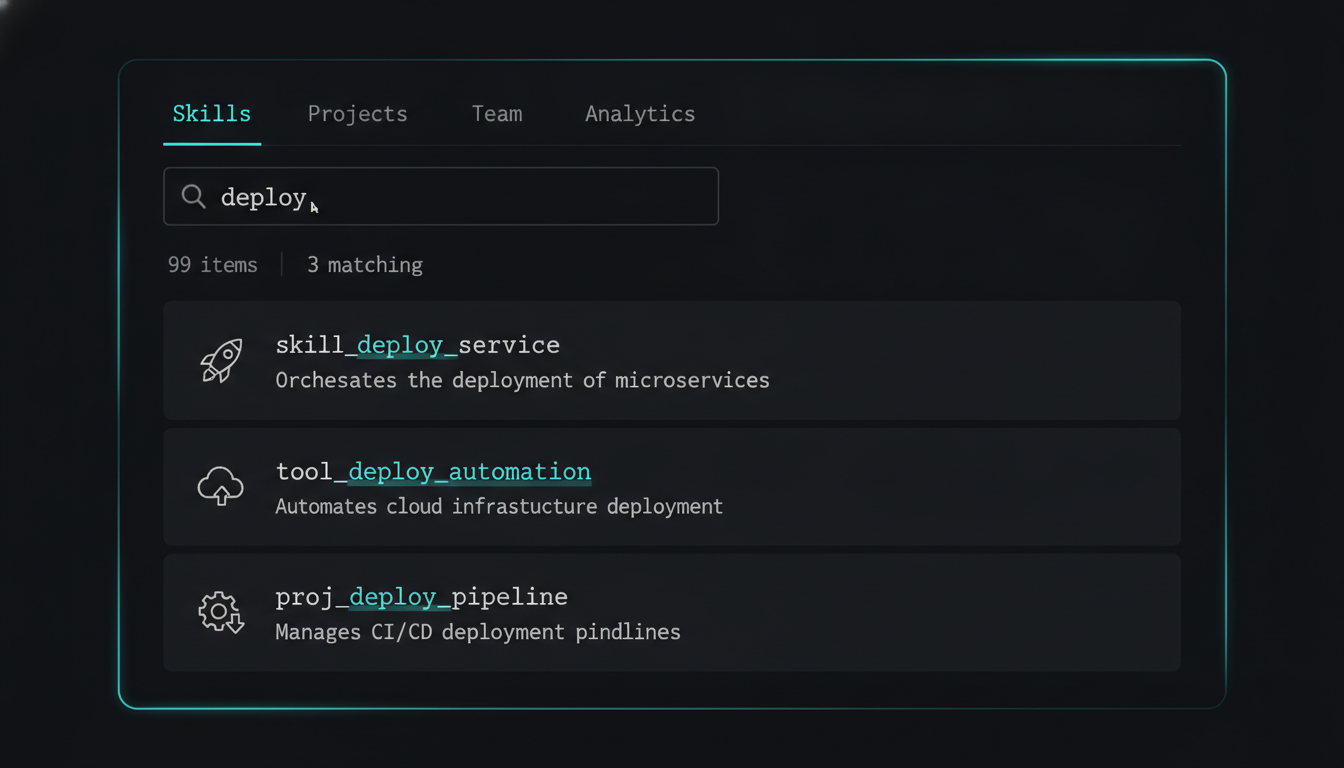
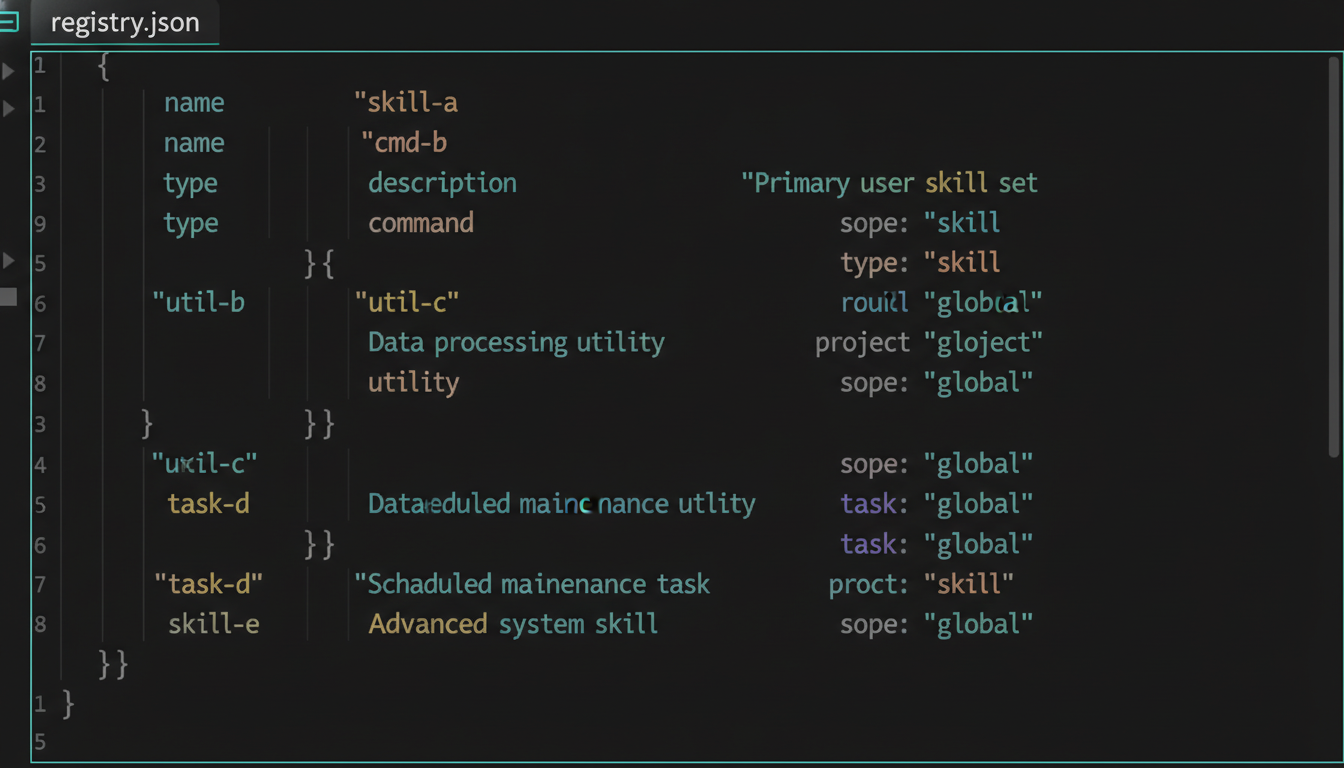
A build script walks each location, reads each file's name and description, and writes a single registry file. A new Skills tab in the dashboard reads it: a live search box, a type filter (skill / command / agent), and a scope filter (all / global / project / plugin / backup). No terminal. No grep across twenty folders.
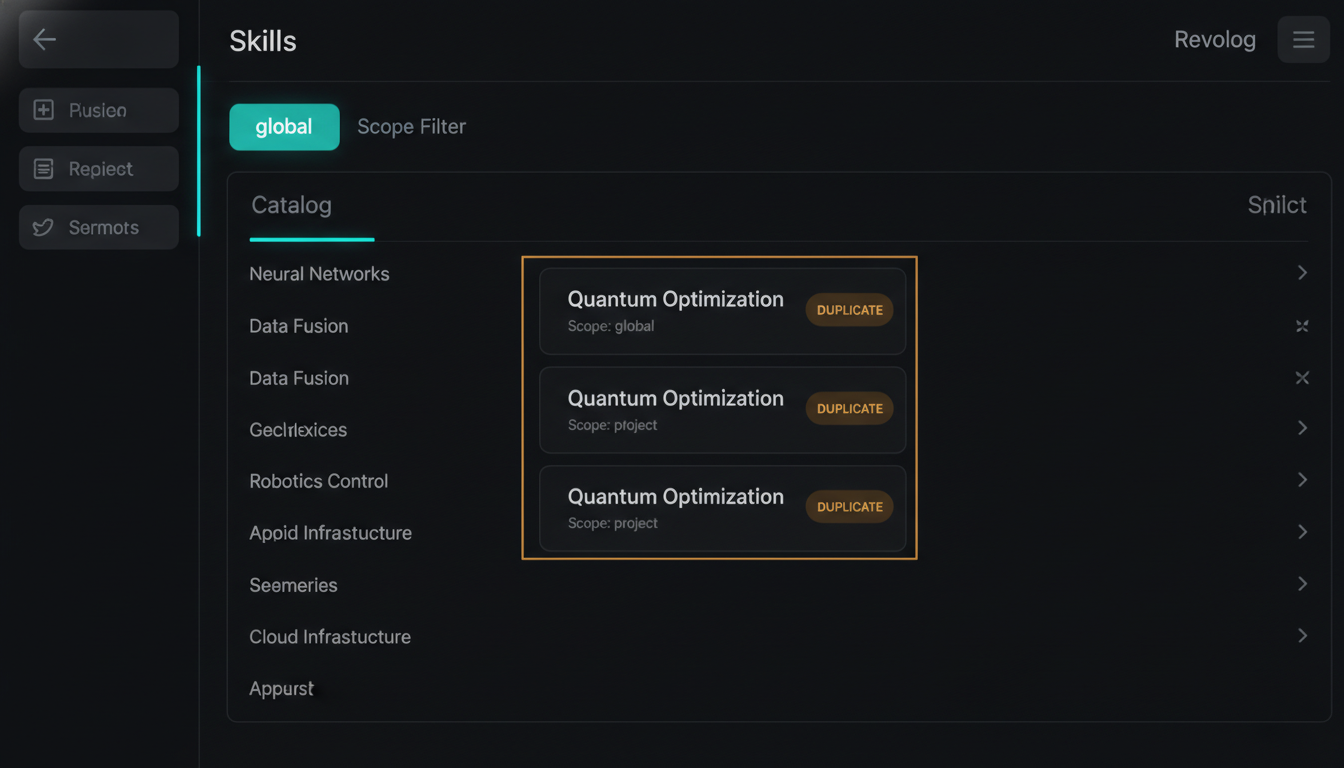
The scope filter is where it earns its keep. Search a tool name, flip scope to global, and any stray project-level copies that had drifted out of sync surface in seconds — the exact duplicates I'd been deleting by hand all day. What took a grep across twenty folders now takes one dropdown.
The registry is prebuilt, not live — it catalogs what existed at scan time. Add or rename a skill and you re-run the build to see it. That's the trade for a dashboard that loads instantly instead of scanning twenty folders on every open. Re-running the scan is one command: build the registry.
Every skill, command and agent the scan found, grouped by where it lives. Tap any image to enlarge it and read the exact prompt or note behind it.


The dashboard the AI built now catalogs the very skills, commands and agents that built it. Ninety-nine in one pass — and every duplicate that used to hide across twenty folders, surfaced in a search box.
The screen-record: the scatter, the one-pass scan, and the duplicate falling out of the scope filter.
A registry builder that walks your global config, every project, and plugin caches, plus a dashboard tab to search it. Everything in this series is free and open — clone it, run it, make it yours.
walk 4 scopes → parse each frontmatter (name+description) → write one registry.json → search it in the browser
Want this pointed at your own scattered toolkit? Mail jacob@skogstrom.se — one call, no pitch.
Seeing the strays in a search box is half the fight. The next build closes the loop — point the same registry at the drift and let it delete the out-of-sync copies for me, safely, with a receipt of what it touched.