One tap on my home screen, I talk, it talks back — and it already knows every project I'm running. Under the hood: a push-to-talk web app that installs like a real phone app, a server that routes each question by difficulty across two AI tiers, and a nightly job that keeps it current on what I'm actually building.
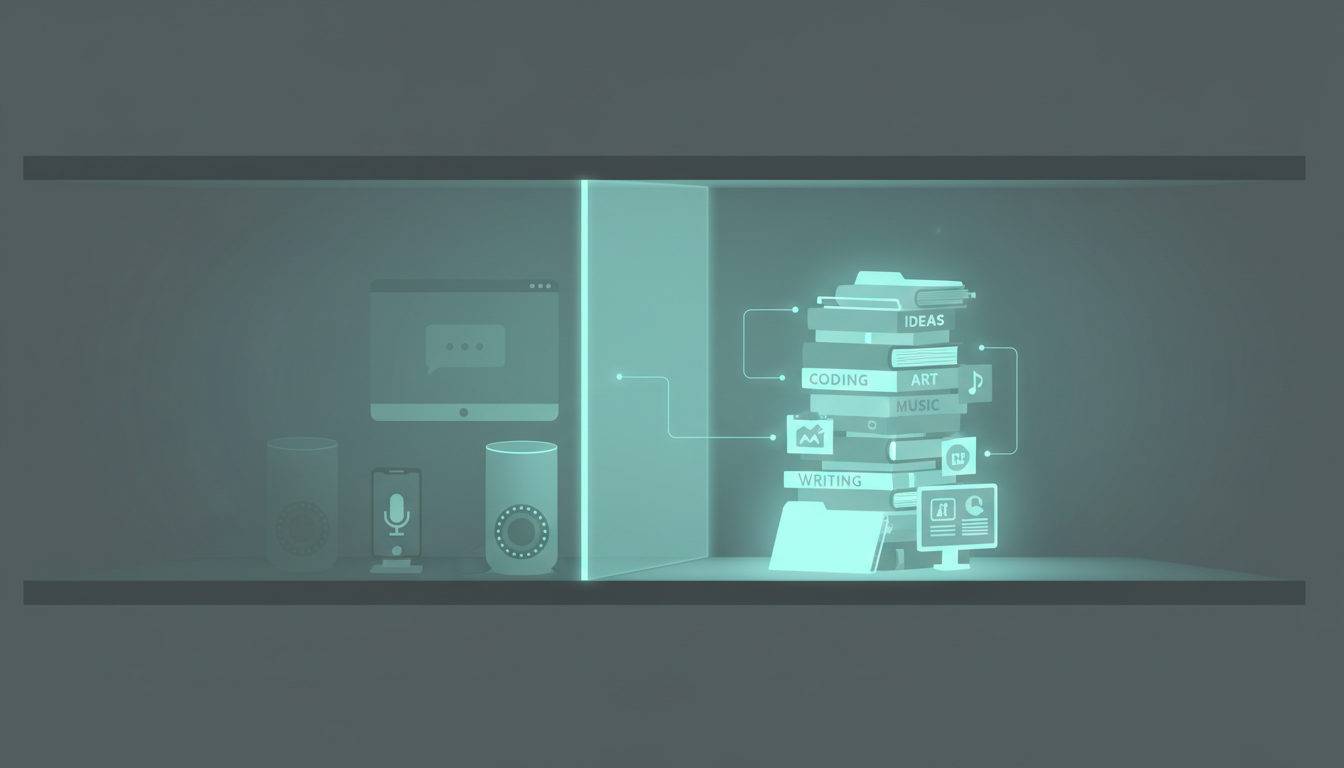
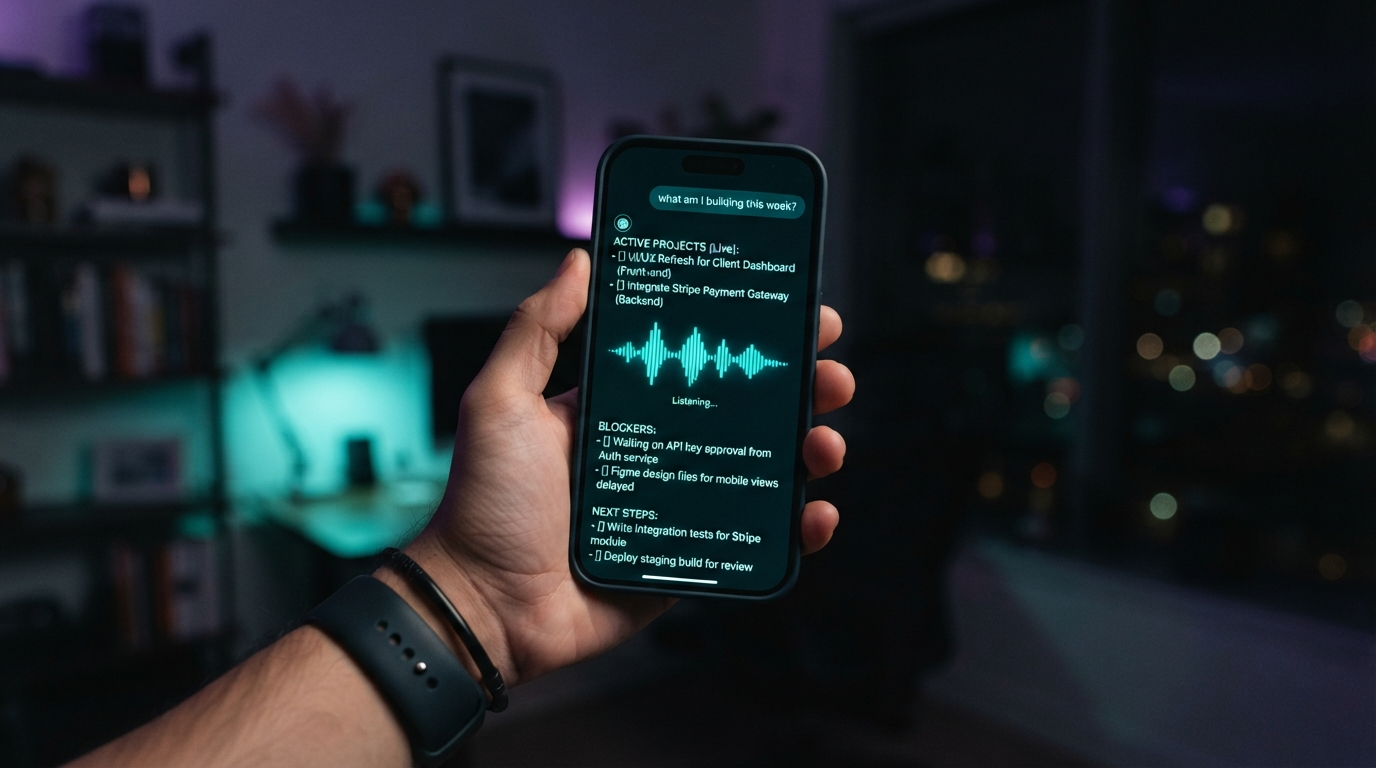
Siri can set a timer, but it can't open my files, read my projects, or tell me what I shipped last night. The Claude app has no voice on my desktop. Every "smart" assistant I own is fluent and completely blind to my actual work — the repos, the blockers, the half-finished builds. I didn't want another chatbot. I wanted to tap once, ask "what am I building this week?", and hear an answer that's about my week.
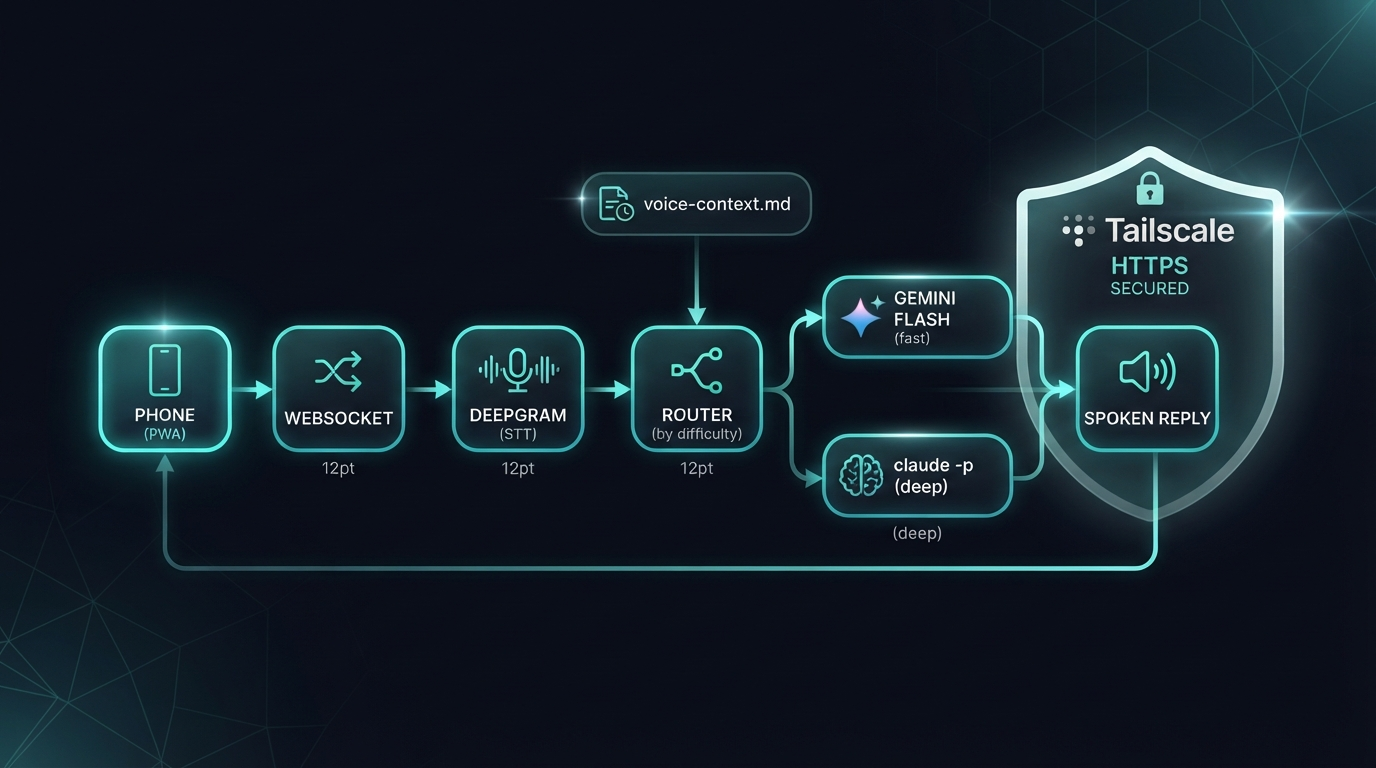
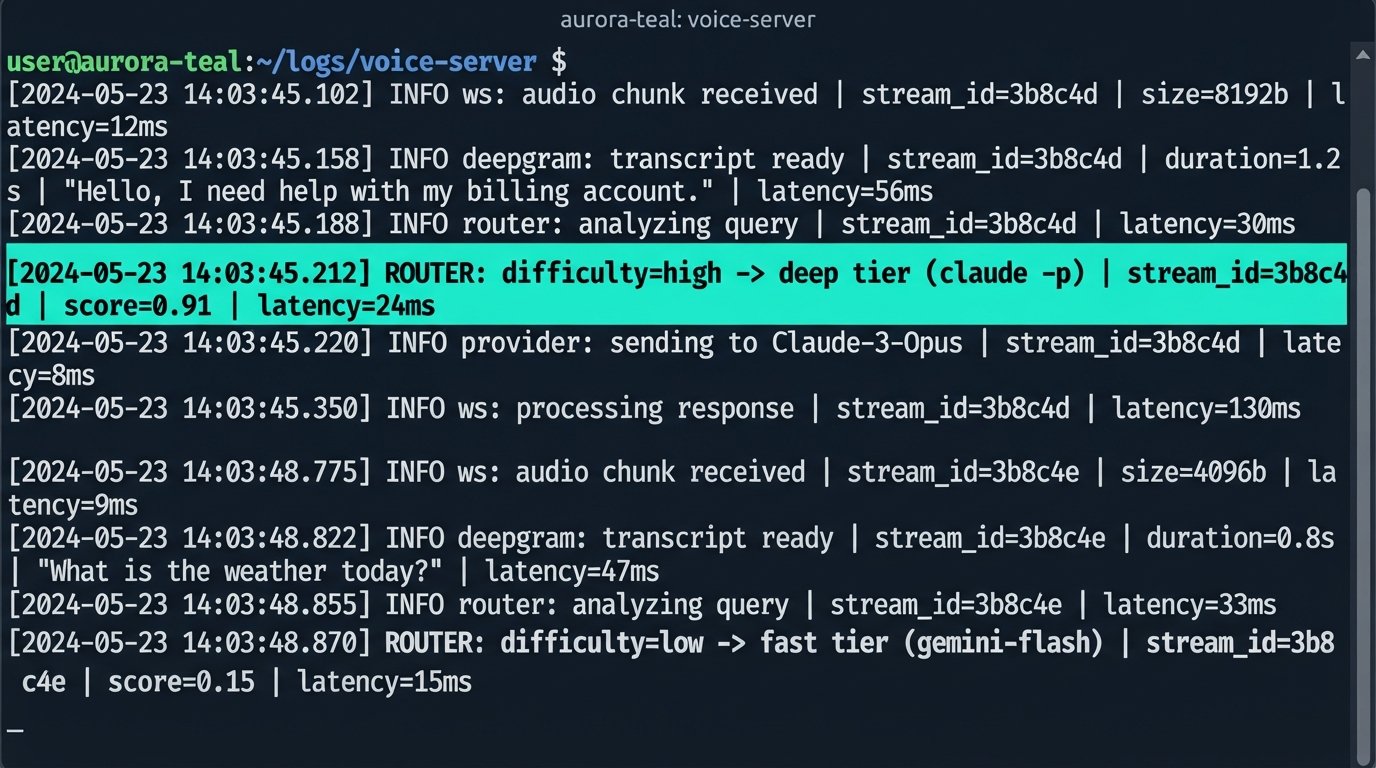
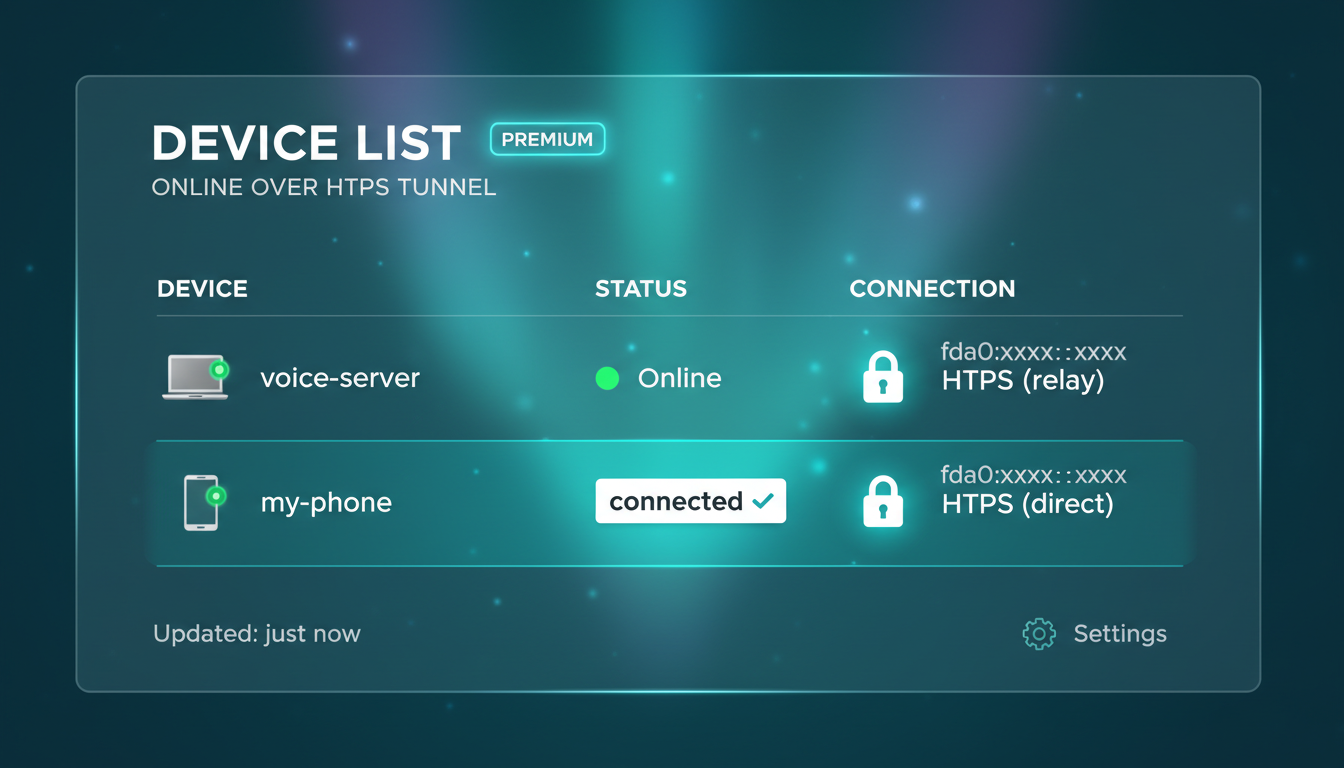
The whole thing is a chain. The push-to-talk PWA installs to my home screen like a native app. A tap streams my voice over a WebSocket to a server I run, where Deepgram turns speech to text. Then it routes by difficulty: Gemini Flash handles the quick stuff, and claude -p takes the hard questions. Tailscale wraps it all in HTTPS so my phone reaches the server from anywhere, and a nightly cron rewrites a voice-context.md so it always knows today's live projects.
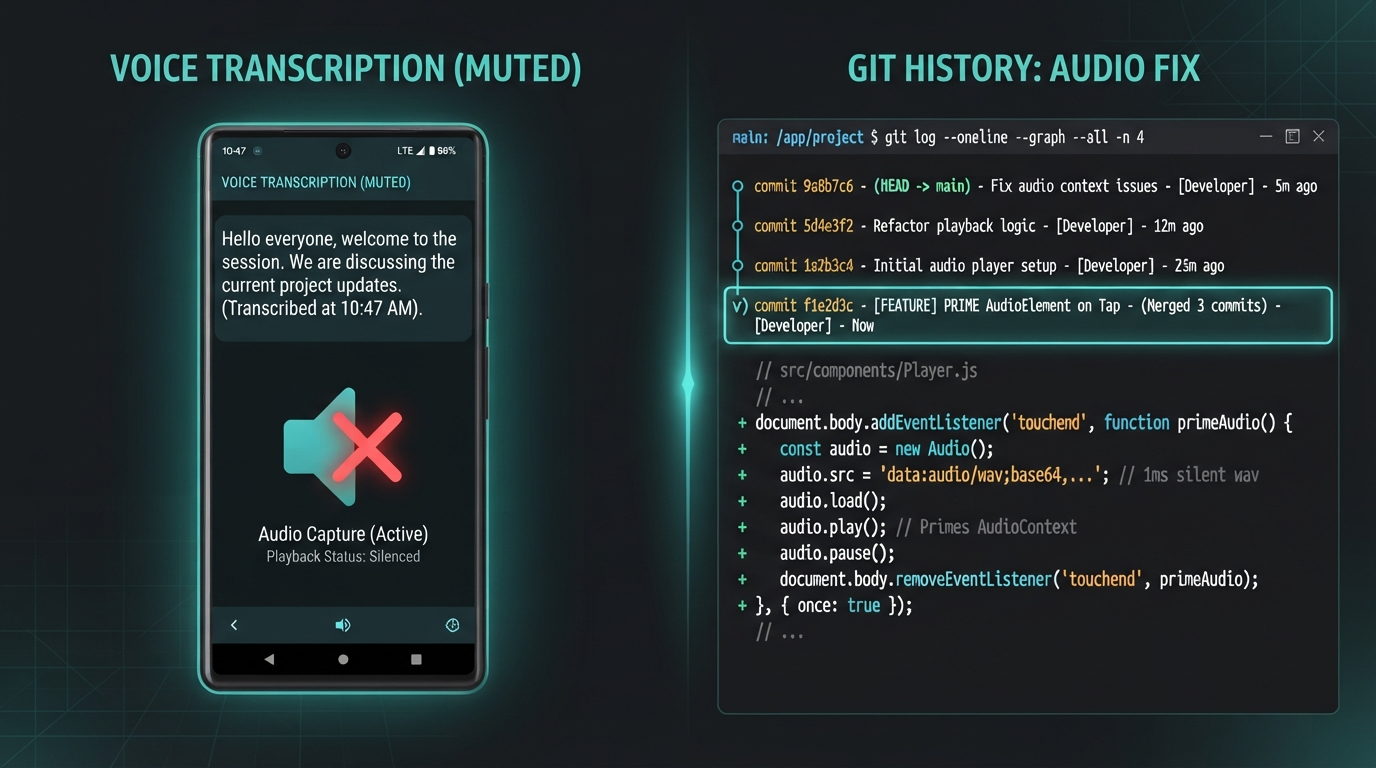
The demo worked on my laptop and died on my phone. Voice in, transcription perfect, the right answer came back — and then silence. iOS won't let a web page play audio unless the playback starts from a real user gesture, and my audio was arriving a beat later from the server, so Safari muted it every time. Three increasingly grumpy debug commits later, the fix was one line: prime a muted HTMLAudio element on the same tap that starts recording, then swap in the real audio when it lands.
I lost an evening to this because every layer worked — mic, socket, transcription, the model, the TTS file. Nothing errored; it just stayed quiet. The lesson I keep relearning: when something fails silently on mobile but not desktop, suspect the platform, not your code. iOS audio policy is the usual culprit, and the gesture-unlock trick is the usual cure.
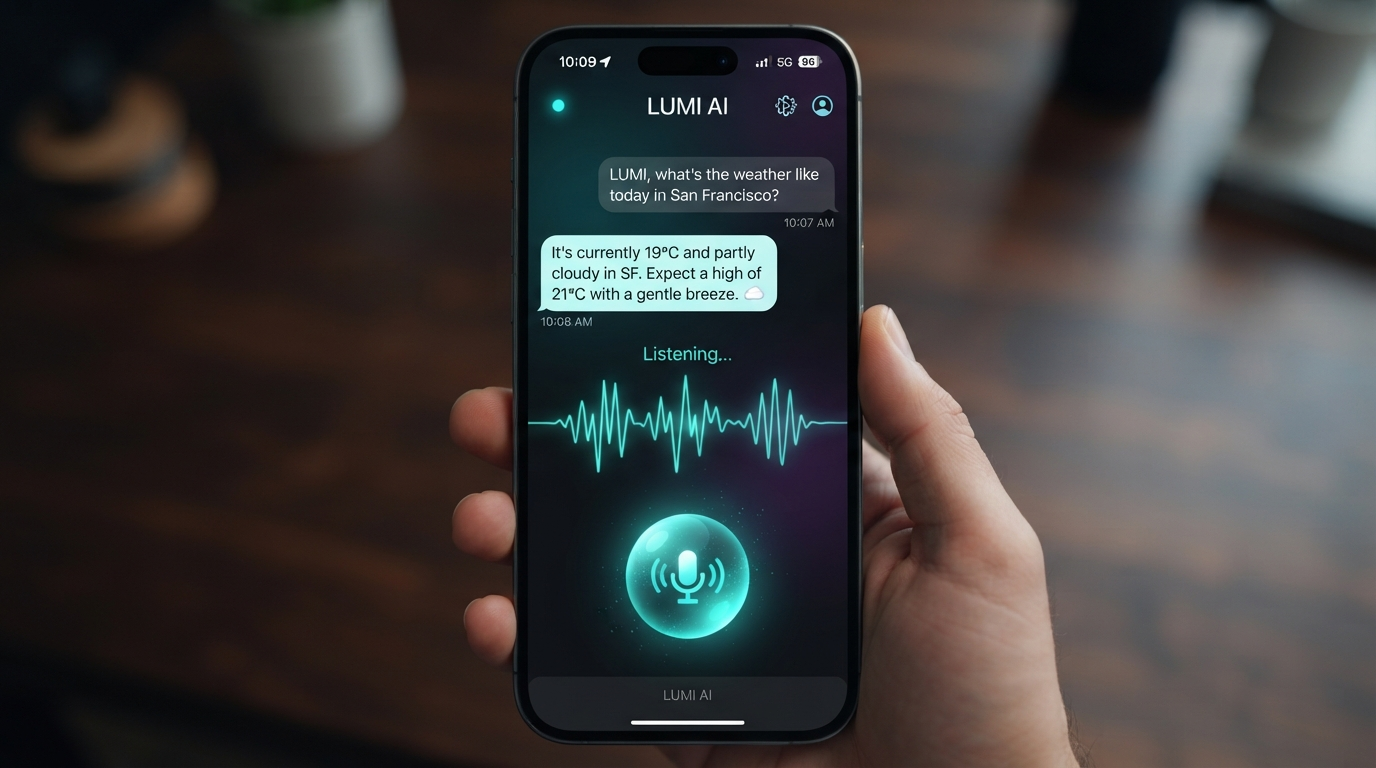
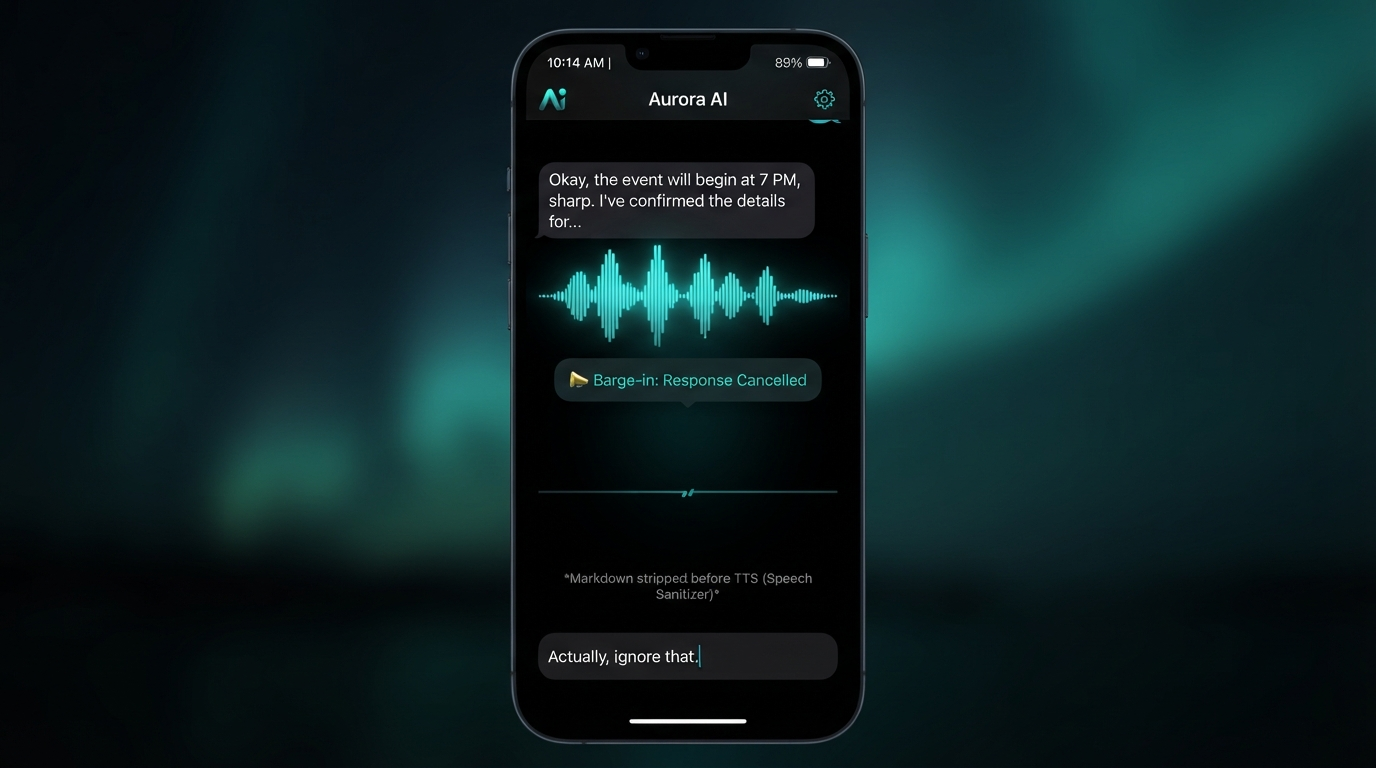
Four moments from the build: the push-to-talk app mid-conversation, the server routing one request across both tiers, the phone connected over Tailscale, and the barge-in interrupt cutting the AI off mid-sentence. Tap any image to enlarge it and read the exact prompt that drew it.


That's the payoff. I tap once, ask out loud, and it answers with my projects — names the live builds, flags the blockers, tells me the next step — then says it back in a clean voice. No app store, no waking a laptop, no typing. The kicker writes itself: the same nightly engine that builds my episodes now also briefs the voice in my pocket on what I'm working on, every night at one in the morning.
Sixty seconds: the problem (assistants that don't know your life), the tap-to-talk chain across two AI tiers, the iOS bug that ate an evening, and the live demo — one tap, a spoken answer about this week's real projects.
The push-to-talk PWA, the WebSocket voice server, the two-tier difficulty router, and the nightly context-refresh job. Everything in this episode is free and open — clone the demo, drop in your own keys, install it to your home screen.
gh repo clone jacobskogstrom/pocket-voice-ai ~/pocket-voice-ai && cd ~/pocket-voice-ai && cat README.md
No GitHub? Comment VOICE on the post and the bot DMs you the link.
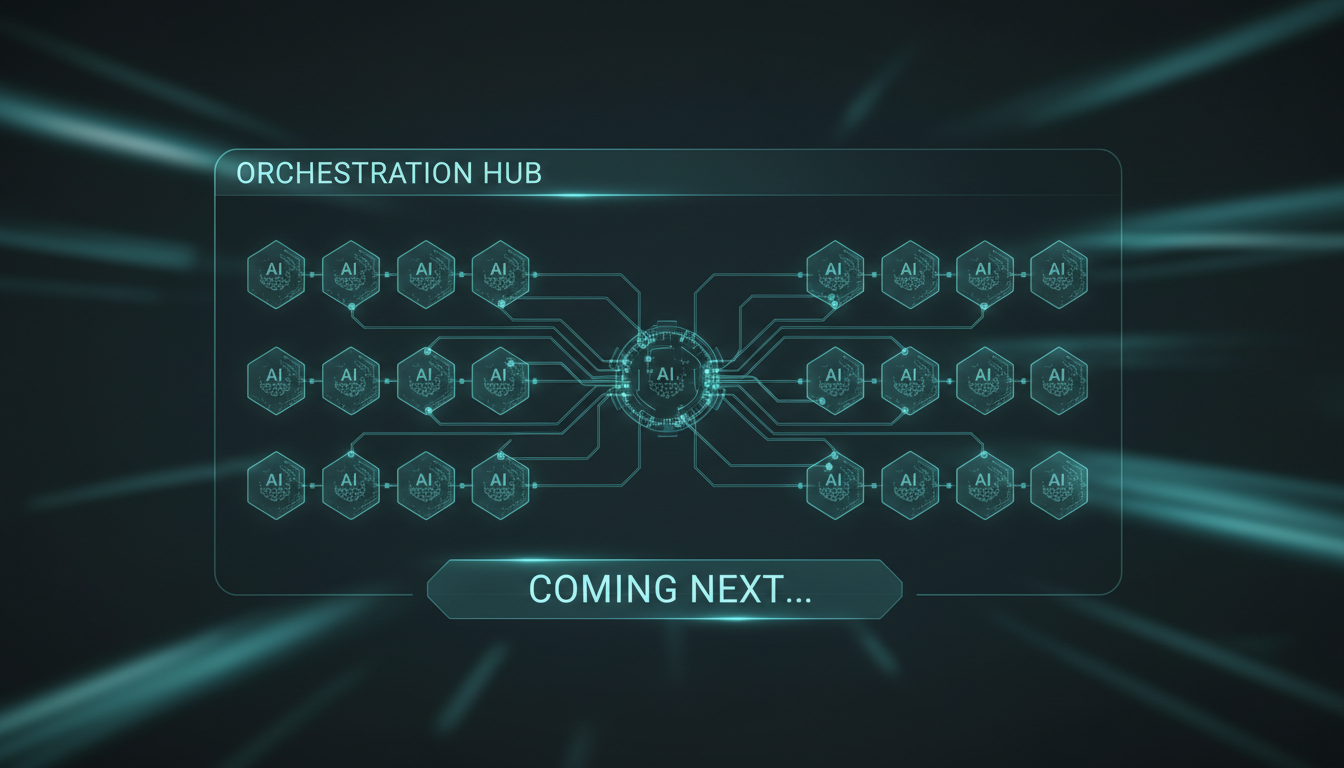
The voice AI, the nightly engine, the cost router — they all live in different terminals right now. Next: a single control-panel tab in my AI dashboard that wires every agent together in one place, so I can see and steer the whole crew from one screen.