One of my two home machines ran day and night because everything might need it. On 8 November I turned it off for the electricity bill, with one command to wake it again. Power-off took 36 seconds. The wake-up did not work at all. What kept that from becoming a bad evening was not the script. It was a list I had written three weeks earlier.

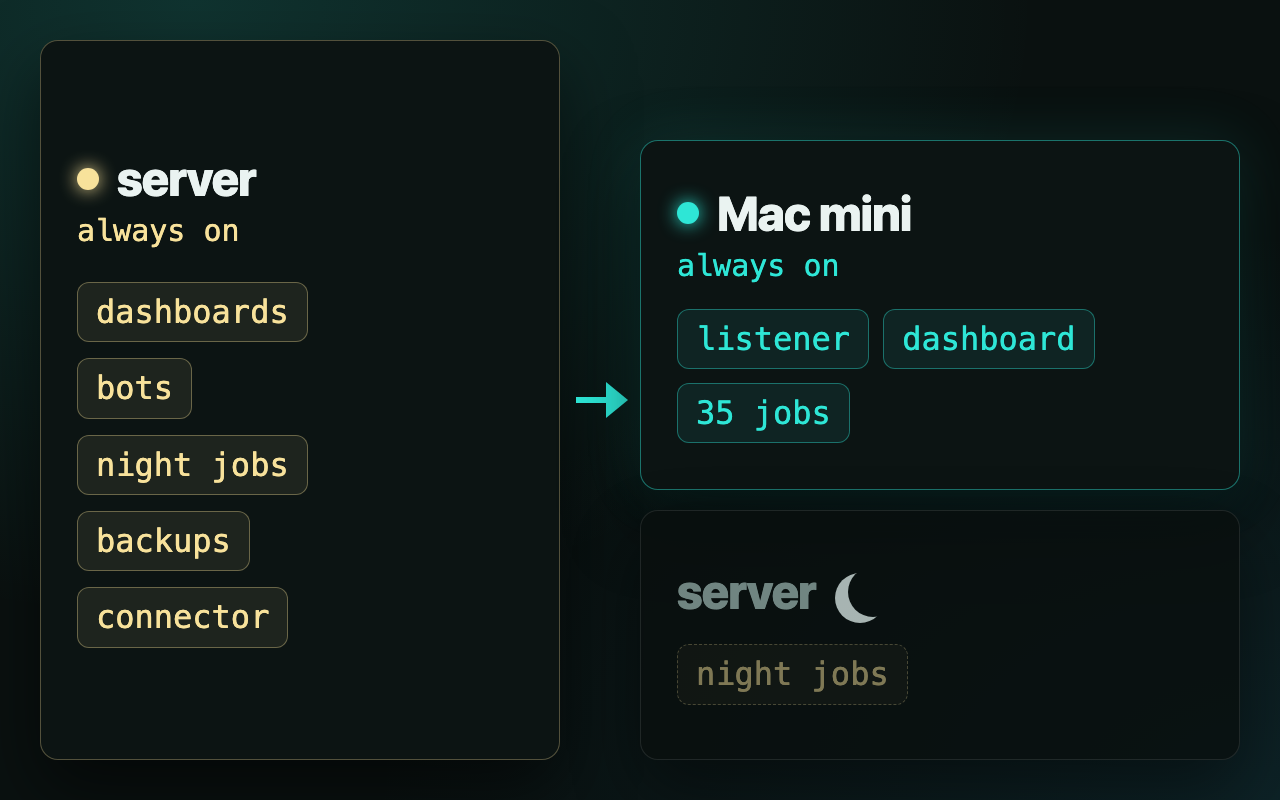
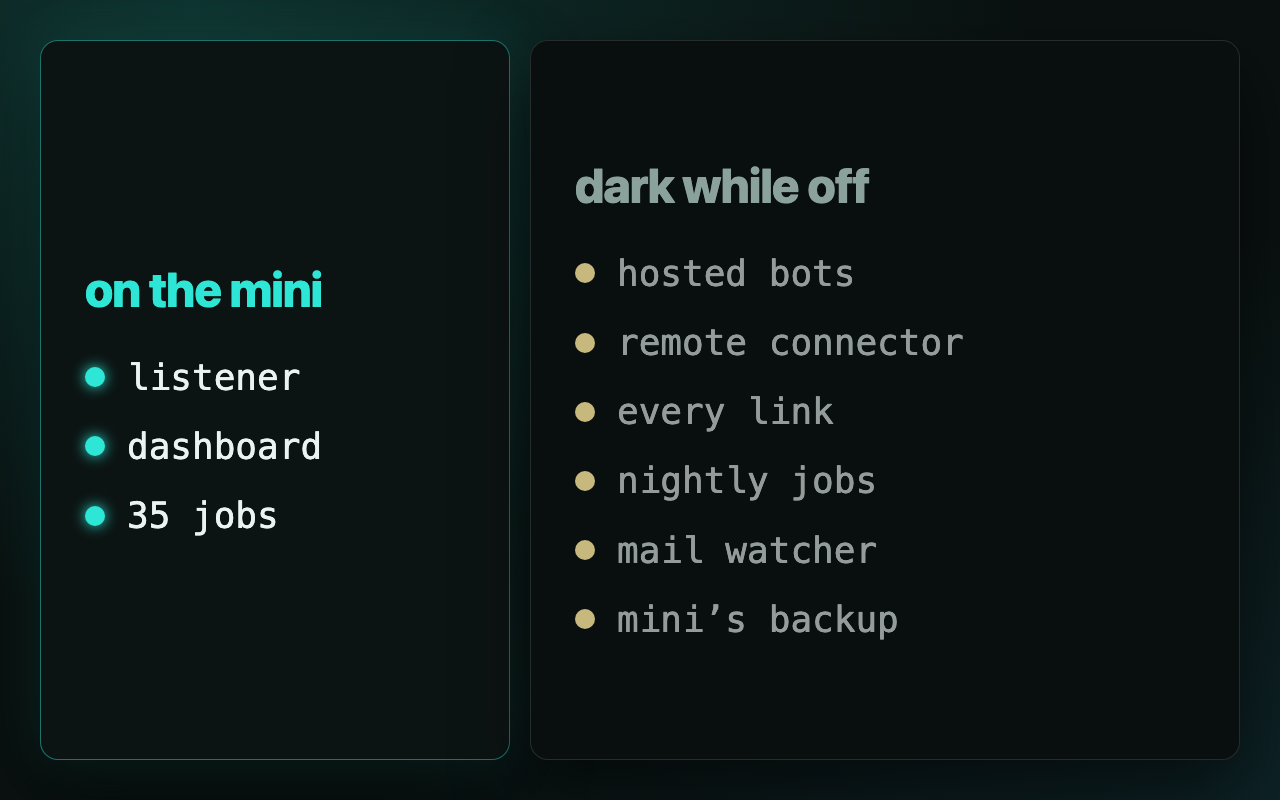
My big Windows PC at home never slept. Scheduled jobs, small bots, dashboards, the server behind my AI tools: anything might want it at any hour, so the safe answer was to leave it on. This autumn a Mac mini took over the parts that matter most by day: the message listener, the main dashboard, 35 scheduled jobs. What was left on the PC ran mostly at night or on demand, and I was paying for electricity around the clock anyway. On 8 November at 17:55 I said so in a Claude Code session: too expensive, turn it off now. The move to the mini was not finished. I did it anyway, which is why this episode is about knowing exactly what you are switching off.
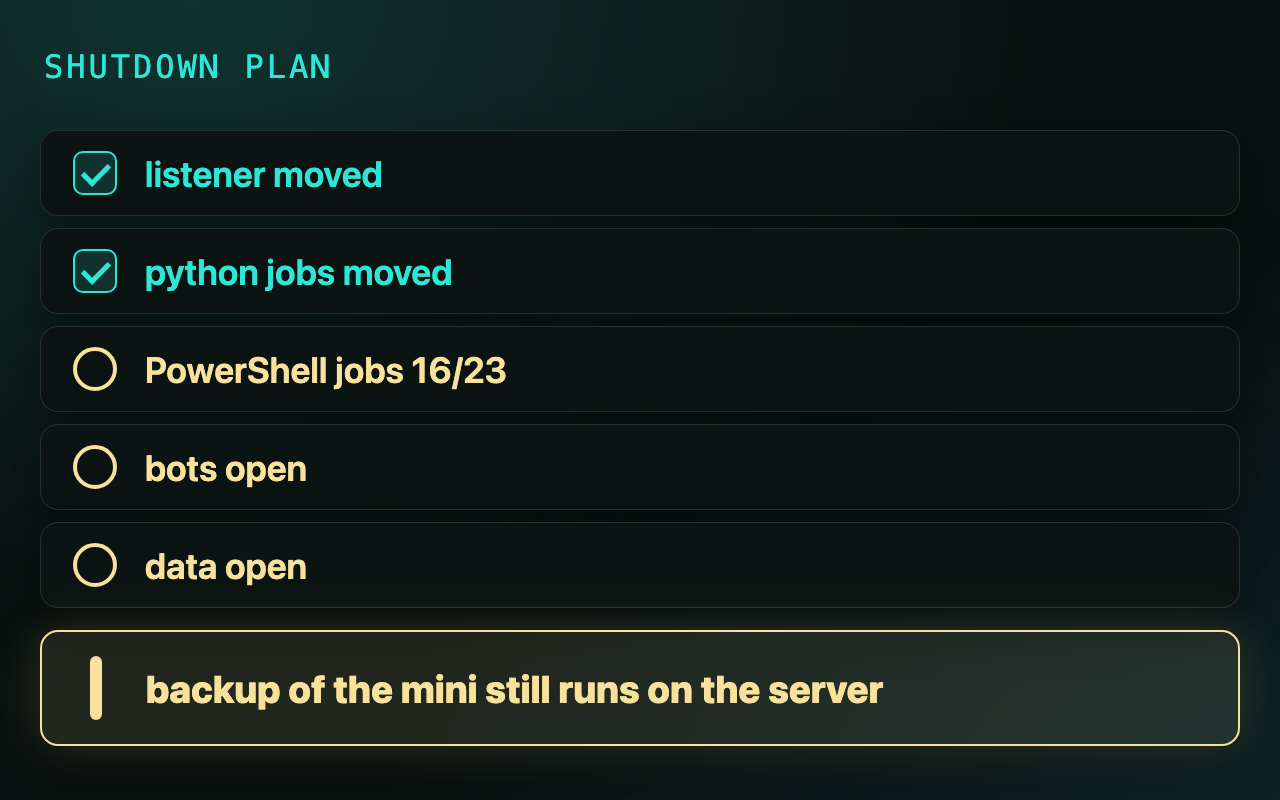
On 17 October Claude Code took a read-only inventory of that machine, before anything moved. The numbers were humbling: 75 scheduled jobs, 68 of them only on that box, eight always-running services, 155 files that mention it by name, and ten places holding data that existed nowhere else. That list became the shutdown plan: phases, one thing at a time, a rollback for each step. On the evening of the power-off it paid for itself. Because the ten places were written down, the stores that could be copied safely went to the mini in the three minutes before the plug (the bots kept their own state until each one moved), and one dashboard commit that only that box had got pushed. The updated list also held the line I liked least: the nightly backup of the mini, the machine I was moving everything to, ran only on the box I had just turned off. The mini got its own backup job the same evening. Without the list, I would have found that one by needing it.
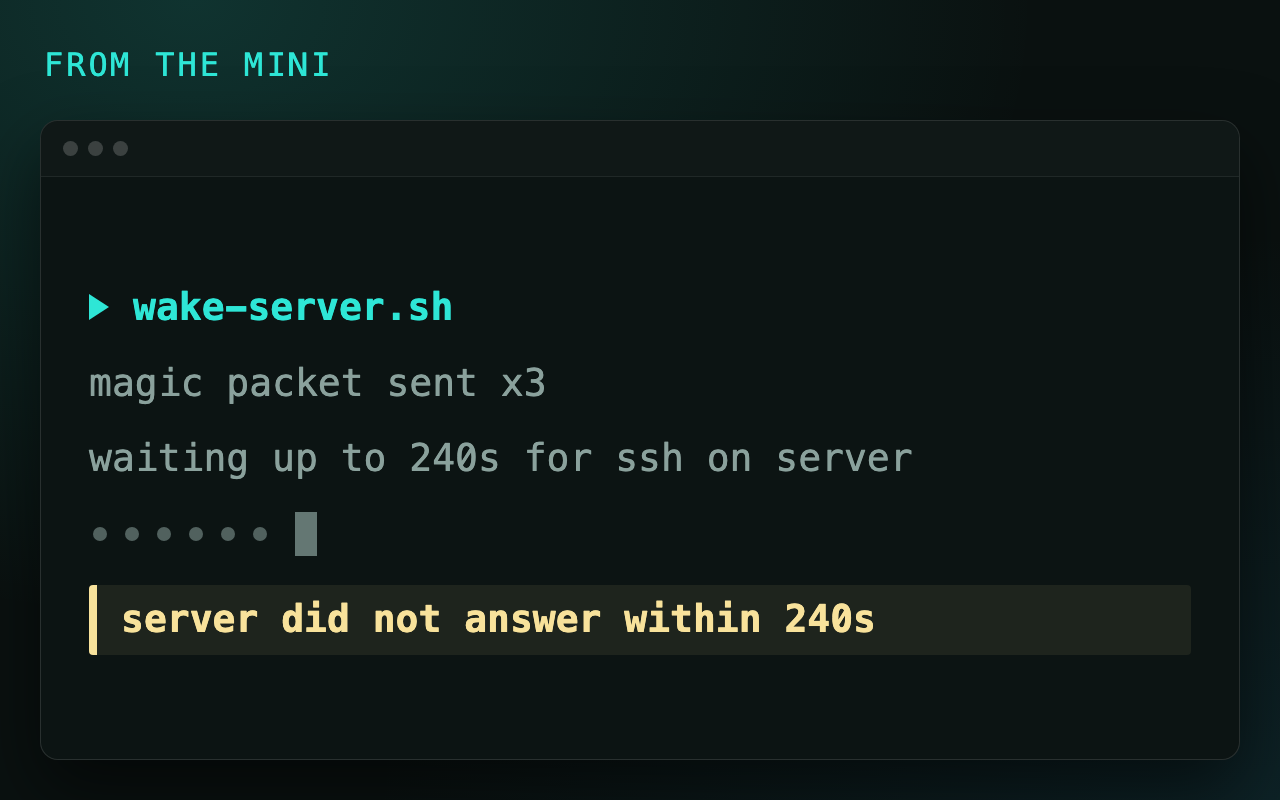
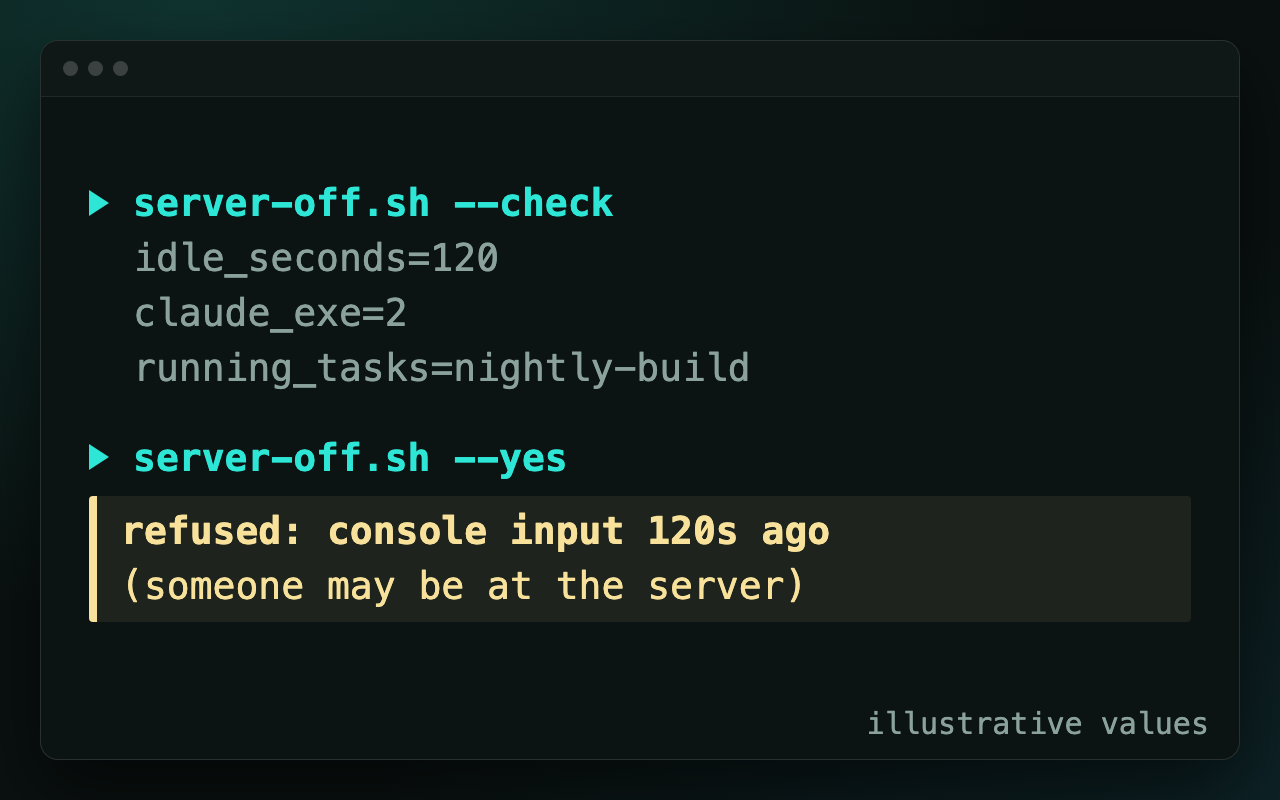
The two commands are small. The off command first shows what it would interrupt: how long since anyone touched the keyboard, how many Claude sessions are running, which tasks are mid-run. Then it gives 30 seconds of warning, and it refuses outright if someone used the machine in the last ten minutes. The wake command sends a magic packet, the special network message that tells a powered-down network card to start its machine, and then waits up to four minutes for the machine to answer. Windows was ready: wake settings on, and fast startup switched off, because that half-shutdown leaves many boards unable to wake. At 18:08 I ran the first full cycle. Power-off: 36 seconds. Wake-up: more than 60 packets over 15 minutes, no answer, nothing on the network. When this was written, the likely reason sat below Windows. The motherboard has to allow it too, in two BIOS settings you can only change standing at the machine. On my ASUS board they are called Power On By PCI-E and ErP Ready.
When this was written, “off by default” was the decision, not yet the daily reality. While the machine was off, the dark list was long and real: the small bots I host, including one a friend uses; the remote connector for my AI tools; every link pointing at that machine; a mail watcher; my nightly jobs; the mini’s backup. The Claude session doing the work lost some of its own tools a minute after the power-off. The machine came back on that evening, and as this was written the off-then-wake test had not been run again. My own plan also said fourteen clean days before any power-off, and the electricity bill overruled it. And I still owned an always-on machine. It was the Mac mini by then. What changed is which machine, and how much of the work has to live on it.
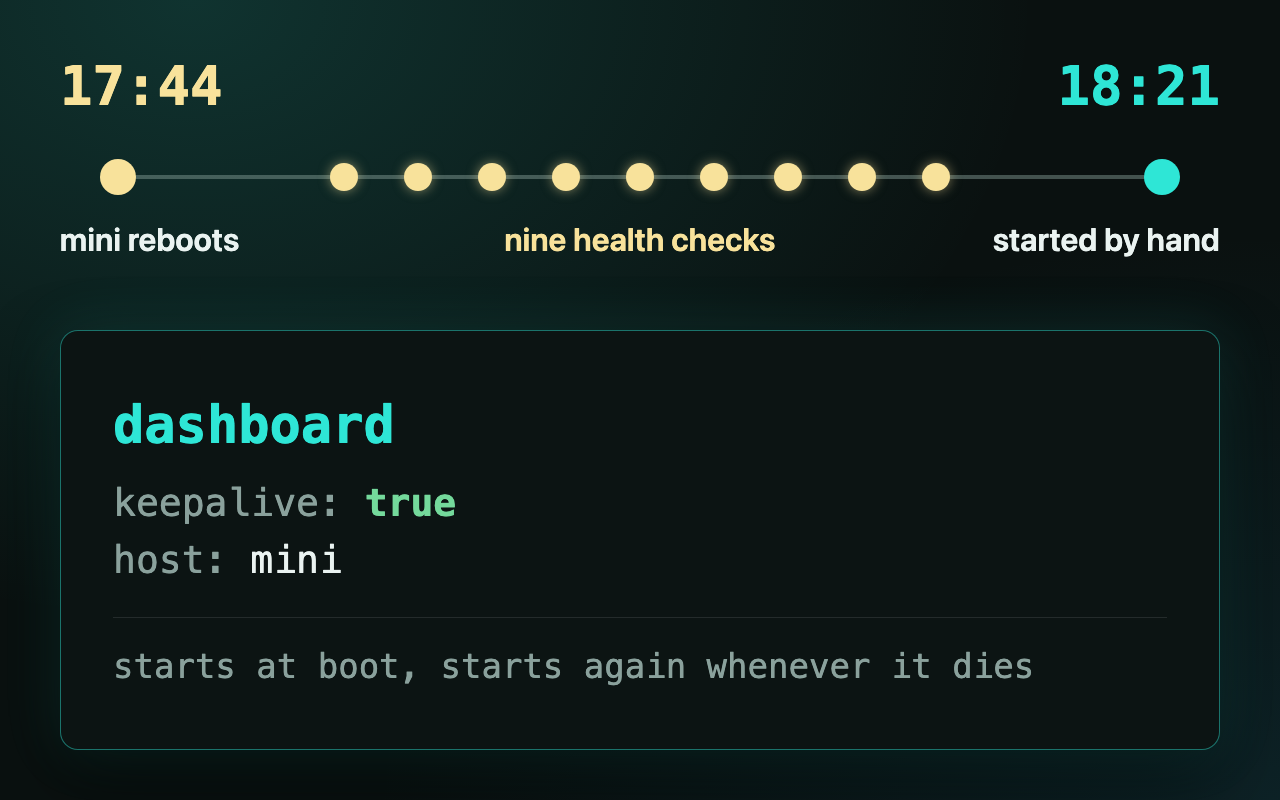
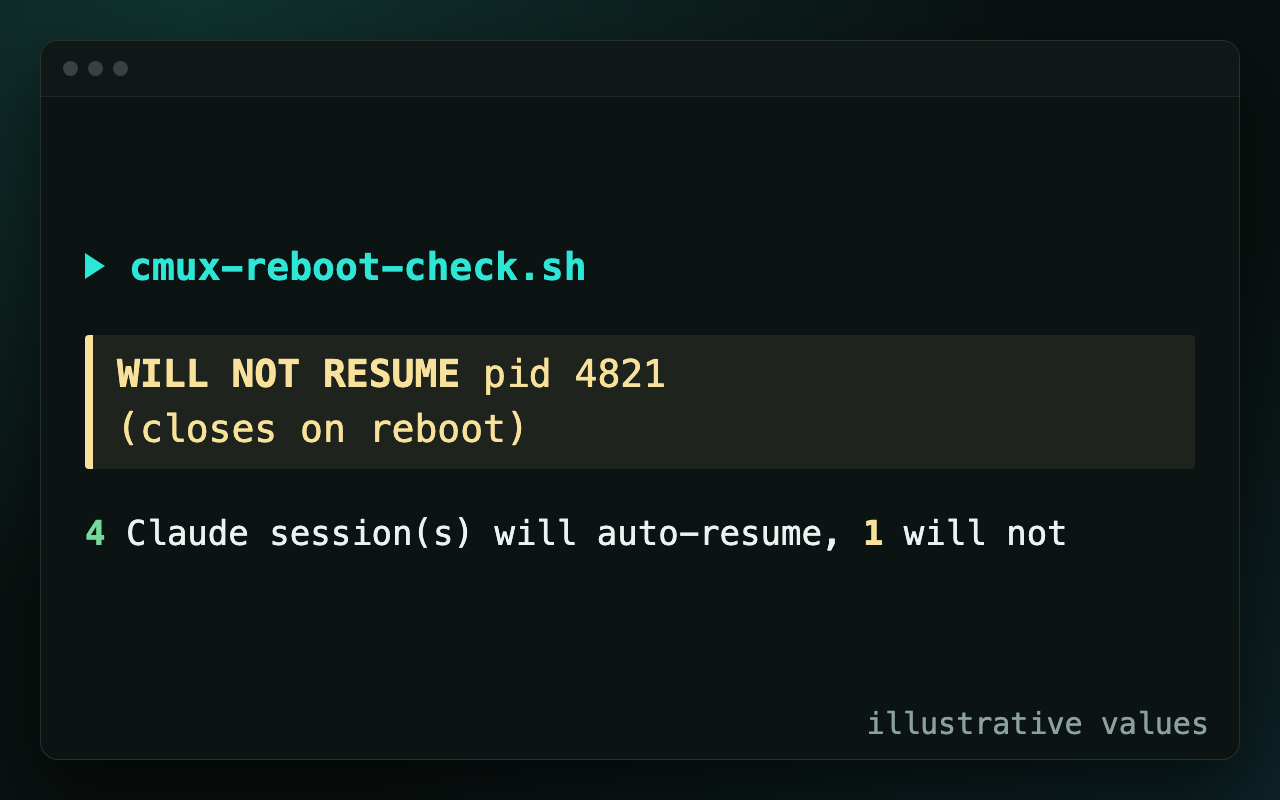
If the mini is the machine that stays on, a restart of the mini has to be a non-event. Two days before the power-off it was not: the mini rebooted at 17:44, nothing brought the dashboard back, and nine health checks stayed red until I started it by hand at 18:21. After that, the dashboard became a keepalive job that starts at boot and again whenever it dies. A second script lists every Claude session that will not come back after a restart. A third brings my terminal helper back, and is safe to run any number of times. These are mockups with generic names. Tap any image to enlarge it.


An always-on server is the answer you give when nobody has written down what needs it. Once it was written down, most of it could move, and most of the rest turned out to be night work or on demand. This page was on that list: when this was written, the nightly job that built it still ran on that box, and it was on the dark list on 8 November. It got built because the machine was on that night. The next step in the plan, not chosen yet then, was off by day with a short window at night. Write the dependency list first. Then the power button stops being scary, even when the wake-up fails.
Off in 36 seconds, the wake-up that failed, and the list that made it survivable. Under a minute.
This works for any machine you keep on just in case. Have your AI make a read-only list of what depends on it, write the two small commands, then test the wake-up before you rely on it. The order matters: I did the last step too late. The code is not published yet.
# repo soon. The shape: list what needs the box → copy what lives only there → off script that checks first → magic packet + wait for SSH → BIOS settings on the board → test the full cycle before you trust it
The next step was to go to the machine, change the two settings in the BIOS, and run the same command again. If it answered, the box would get a short window at night and stay dark by day. If it did not, I would find out what else I assumed.