Telling Technology · Learning in public
All episodes
EP.10 — FUEL GAUGE
A Claude Code workflow, on screen

My terminal now shows how much brain my AI has left

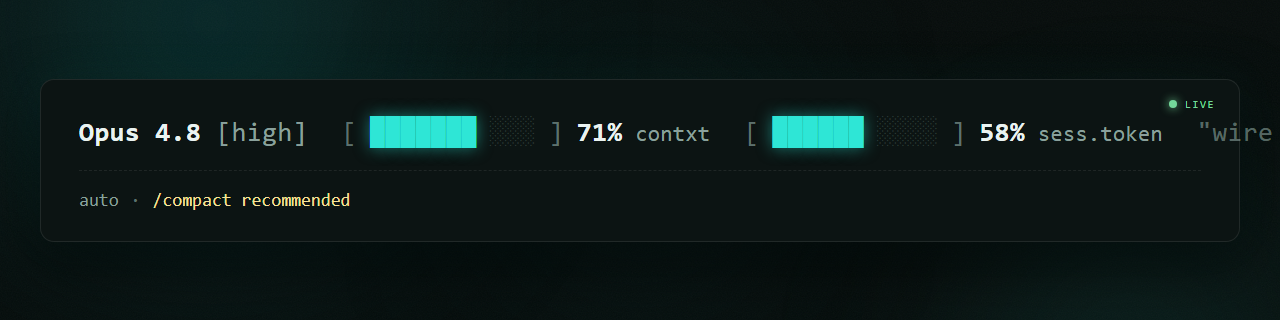
Long sessions die silently. Context fills up, the model quietly starts forgetting — and you don't notice until it loses the thread. So I had Claude Code build its own fuel gauge: model, effort, and two live bars, on one row.

Custom Claude Code status line: Opus 4.8 [high], a context fuel bar, a session-token fuel bar, and an auto-mode line below it
⌁ live status line · one row · reads Claude Code's statusline JSON
It starts at 0% — then watch the bars climb

01 The silent death

You never see the tank emptying

If you run Claude Code all day, you know the moment: an hour deep into a build, the model starts forgetting things it said ten minutes ago. The context window filled up and nothing warned you. The default status line tells you almost nothing — so you fly blind until the AI loses the plot, mid-task, with no fuel light on the dash.

claude code — desktop
> wait — why did you forget the function we wrote earlier?
You're right, I lost it. The earlier context dropped out of my window. I should have flagged that I was running low — but nothing on screen showed it. 0 warning · 0 gauge
The default Claude Code status line — a single plain path string with no context or token information
before
the default strip — no fuel light anywhere
02 The build

One prompt, one cockpit strip

Claude Code hands a small statusline JSON to a script on every refresh — model, effort, context used, session tokens, last prompt. I asked the AI to read that and render a cockpit row: Opus 4.8 [high] [███░░░]13% contxt [██░░░░]13% sess.token. Two ASCII fuel bars. It wrote, tested, and installed the whole thing in one pass.

claude code — desktop
> build me a status line that reads your statusline JSON and shows model, effort, and two fuel bars — context % and session tokens — on one row
Done. Wrote ~/.claude/statusline.sh, wired it into settings.json, rendered two bars from context_used_pct and session tokens. Reload — your dash is live.
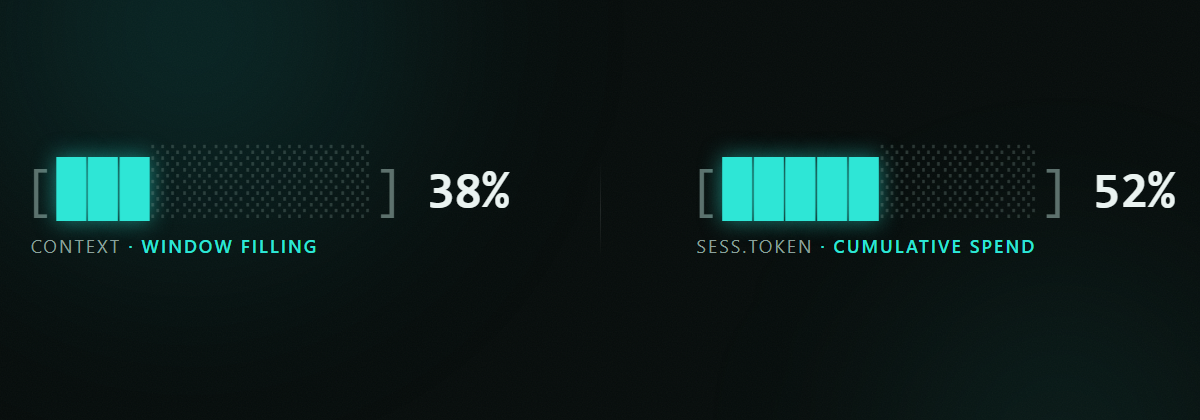
Zoom on the two fuel bars mid-session — context bar partly filled, session-token bar filling behind it
two bars
context fuel · session-token fuel — both live
03 How it works

It's just JSON in, one line out

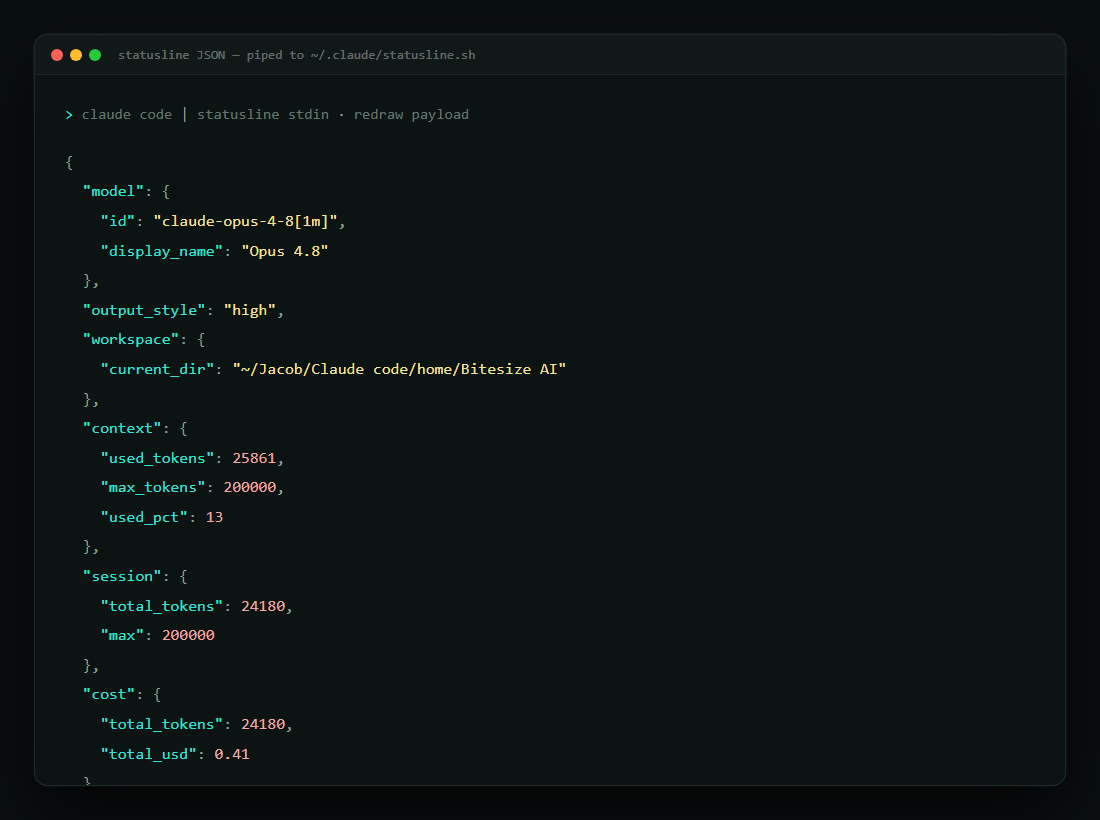
No magic. Claude Code pipes a tiny JSON object to your script's stdin; whatever the script prints becomes the status line. Read the fields, do the math, draw the bars. Here's the shape of the data the script reads on every redraw — the raw "how it works" layer.

statusline JSON — piped to stdin
{ "model": { "display_name": "Opus 4.8" }, "output_style": "high", "context": { "used_pct": 13 }, "session": { "total_tokens": 24180, "max": 200000 }, "last_prompt": "build me a status line..." }
Script reads it, divides, draws two ten-cell bars, prints one line. Refreshes on every turn.
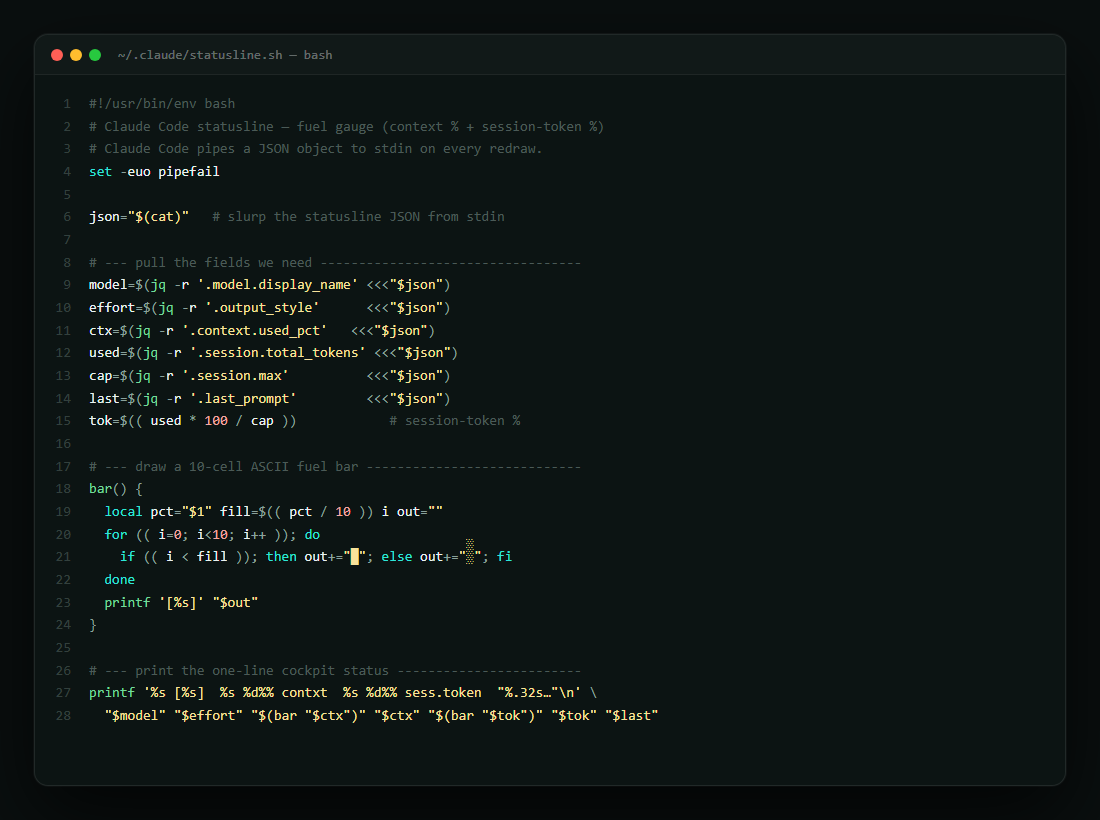
A snippet of the statusline shell script: reading the JSON, computing percentages, drawing the ASCII bars
~40 lines
the whole script — read, divide, draw
⚠️

The honest caveat

The bars are an estimate, not a fuel-injection readout. context_used_pct tracks the window; the session-token bar is cumulative spend against a cap you set. Treat them as a dashboard light, not a lab instrument — when context crosses ~80%, that's your cue to /compact or start fresh, not a hard cliff.

04 The gauge through a session

Watch the tank fill

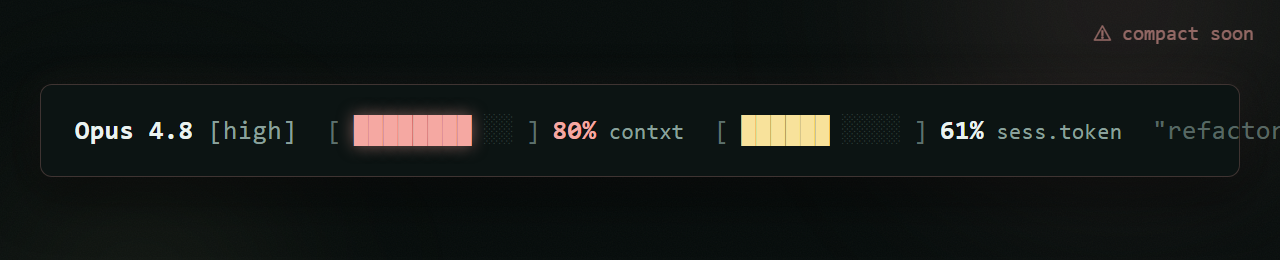
From a fresh 0% start to the ~80% "time to compact" zone, plus the raw data behind it. Tap any image to enlarge it and read the exact prompt that drew it.

RECREATED FROM A REAL SESSION

Now I know exactly when to pull up

The bars climb as I work. When context crosses the line, I /compact on purpose instead of getting caught out. The AI built its own fuel gauge — and now it tells me when its own tank is running low.

The cockpit status line mid-session with both fuel bars climbing, the moment before a /compact
one row · two bars · the difference between a clean session and a silent crash
06 Steal this

Put a fuel gauge in your own terminal

The status line script, the settings.json wiring, and the two-bar renderer. Everything in this episode is free and open — clone it, run it, make it yours.

script statusline.sh config settings.json snippet template two-bar renderer assets light + dark themes
run it # statusline repo publishing soon — comment FUEL on the post for early access
↧ Statusline repo · soon

No GitHub? Comment FUEL on the post and the bot DMs you the link.

Next episode

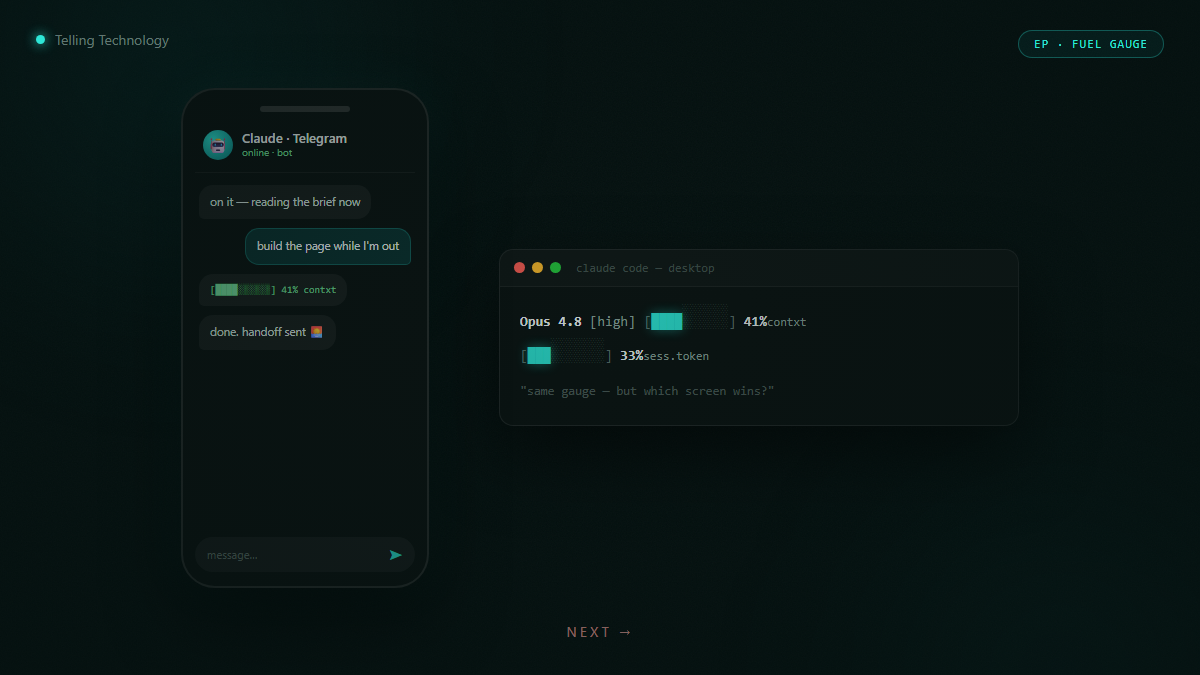
Why my Telegram AI beats the official Claude app

Same fuel gauge, same control — but the terminal and a Telegram bot win on every real task. I stopped opening the desktop app. Here's why.

Darkened teaser — a phone showing a Telegram AI bot next to a terminal status line
Ep.19 is already live — read it now →