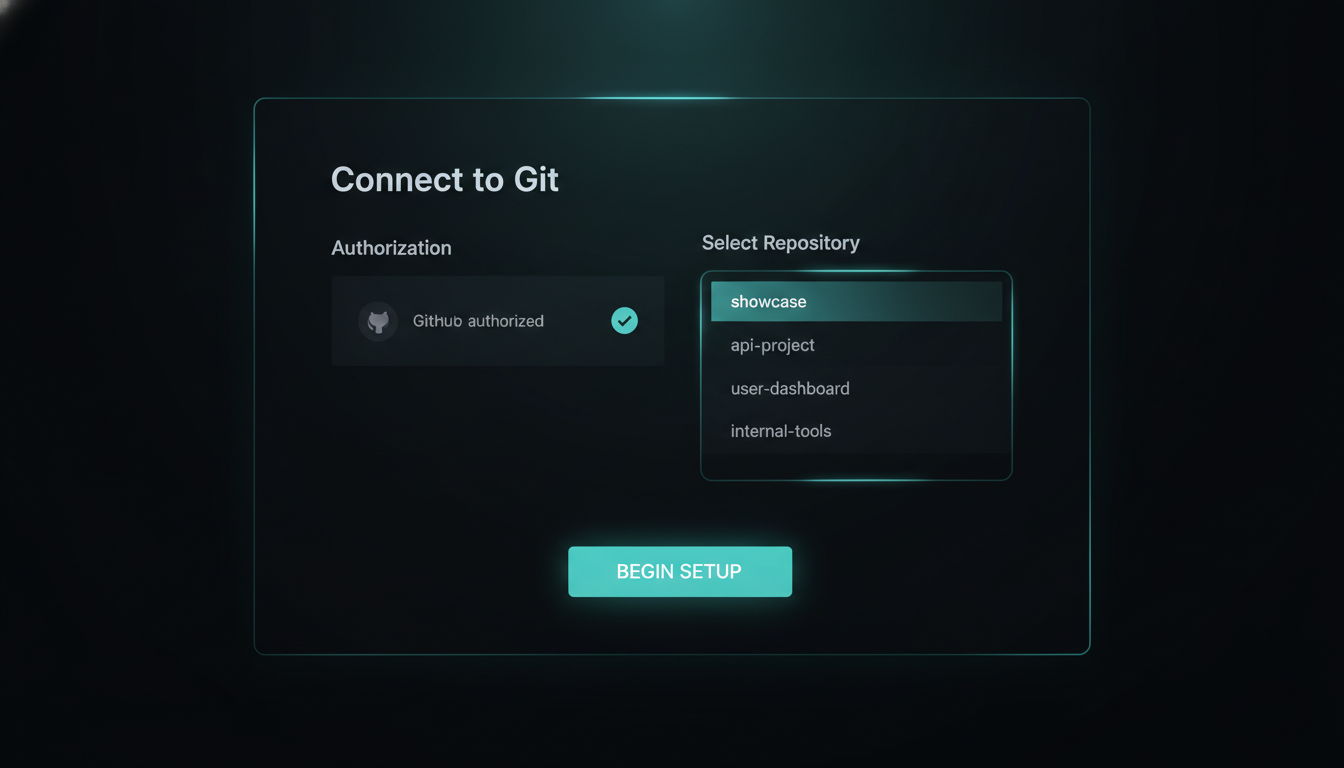
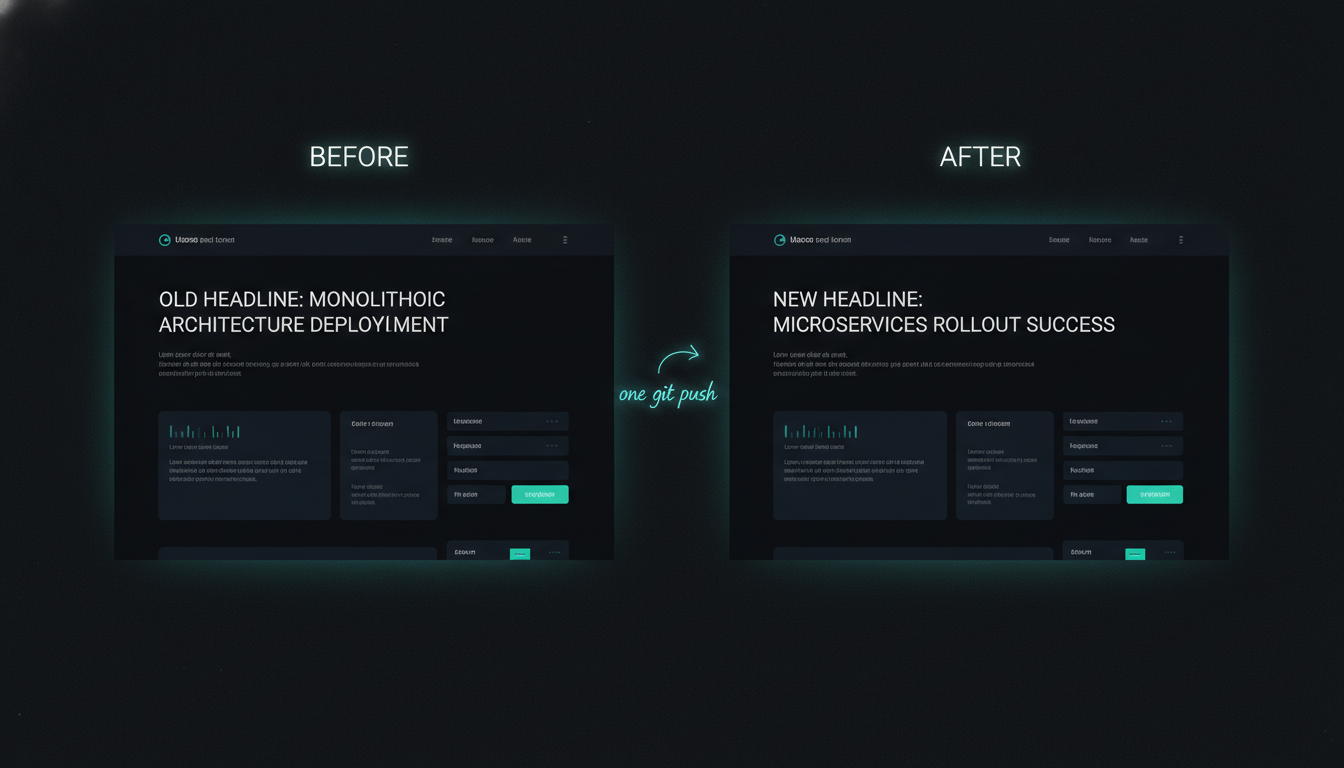
I push one commit to GitHub and thirty seconds later the live site has rebuilt itself — no server, no FTP client, no deploy button. The pipeline that used to be a whole DevOps role is a box you tick once.
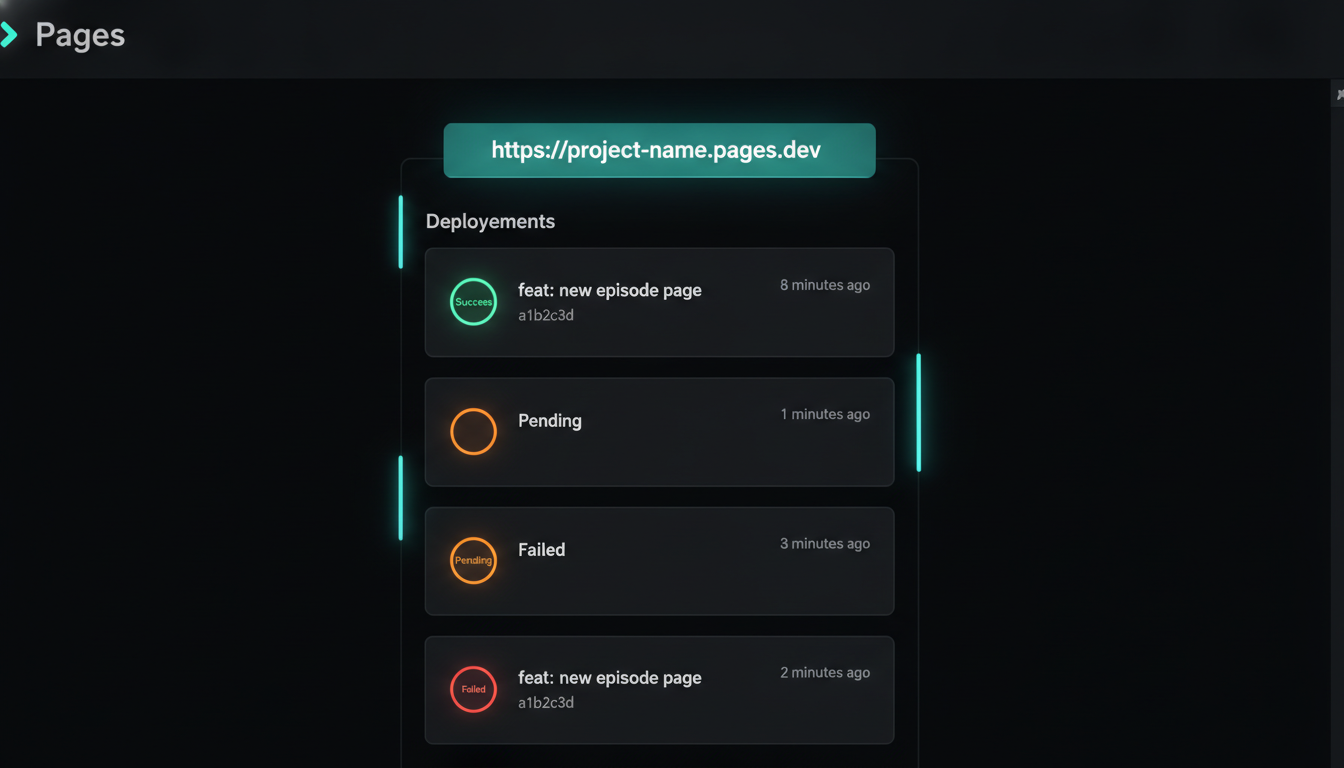
Ask most people how a website goes online and you get the same three answers: a server to rent, an FTP client to drag files into, or a monthly hosting bill. All to show the world some static HTML. Pushing one commit shouldn't need any of that — and it doesn't.
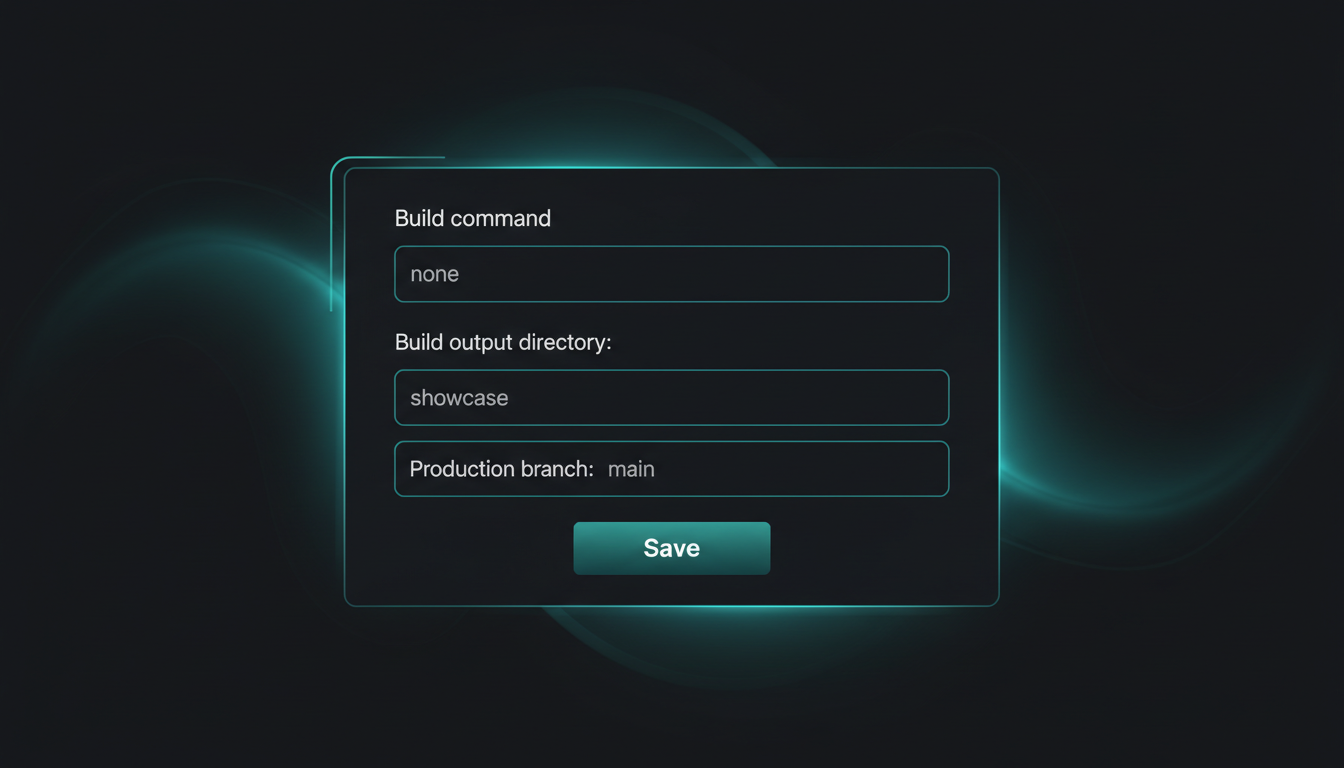
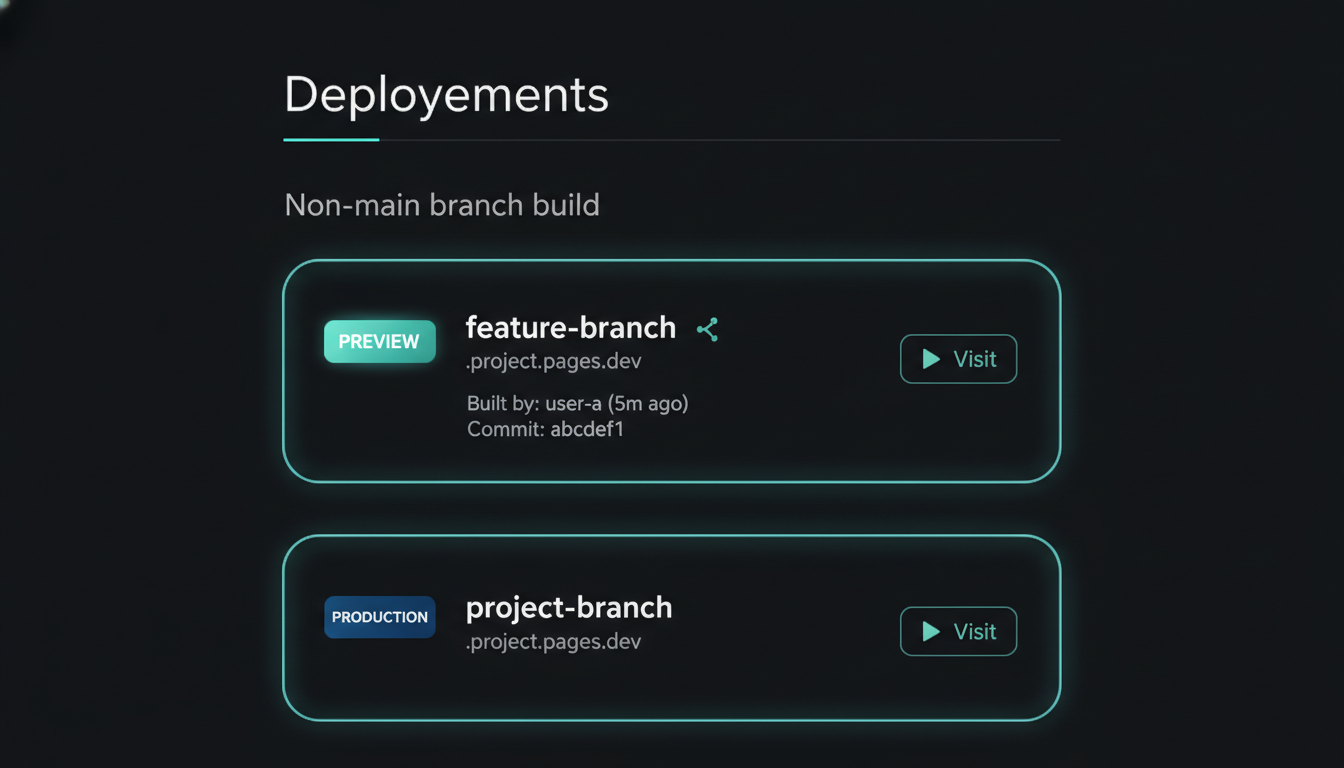
The entire setup is a build command, an output folder, and the branch to watch. Fill those and you also get, for free: a custom domain with automatic HTTPS, and a unique preview URL for every branch and pull request — so you can see a change live before it ever touches main.
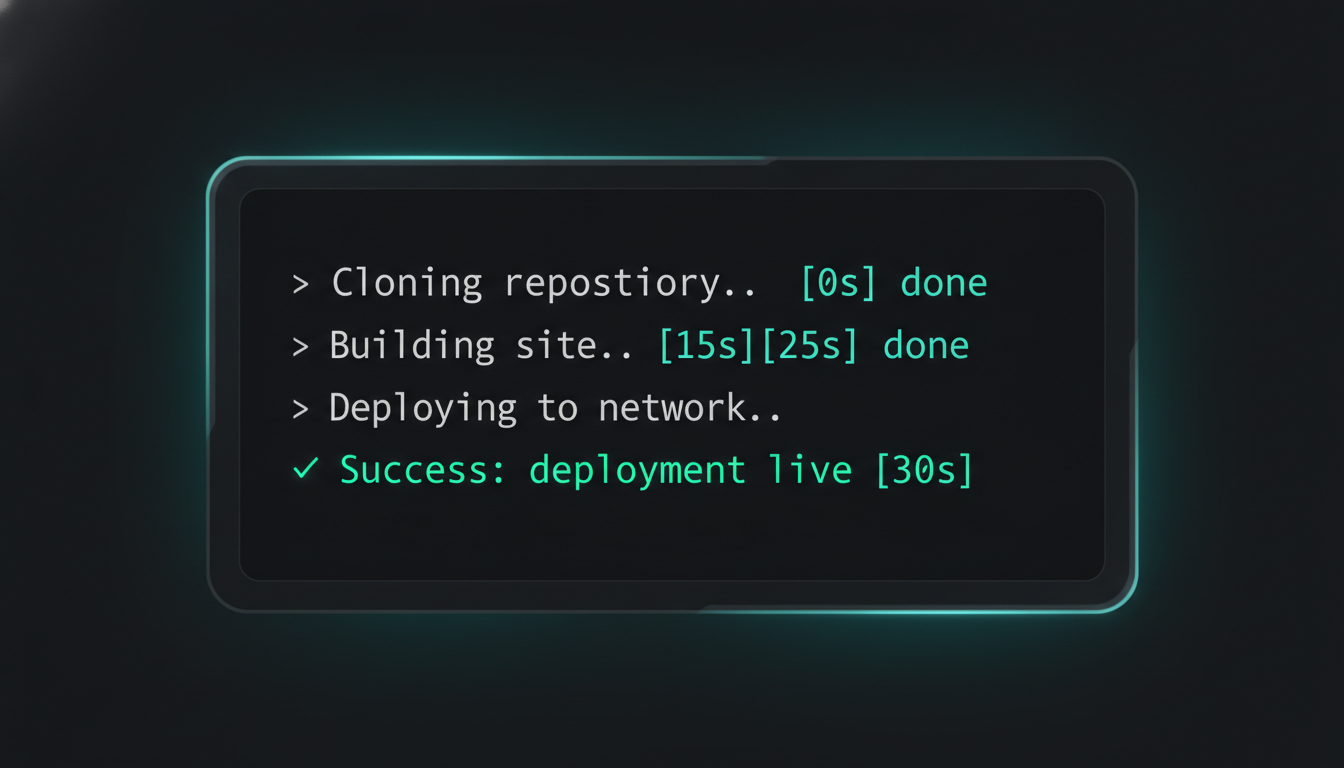
Change one line of code. git push. Cloudflare catches the push, spins up a build, and streams the log live — clone, build, deploy — then flips the production URL to the new version. Refresh the site and the change is there. Start to finish: about thirty seconds, zero clicks after the push.
Get the output directory wrong and Cloudflare cheerfully deploys an empty site — a live URL serving a blank page or a 404, build marked green. Point it at the exact folder your build writes to (here, only showcase/ ships — everything else in the repo stays off the public site). One field, and it's the difference between "it works" and "why is my site blank?"
The one-time repo connect, the entire build config, a preview URL living on a branch, and the log deploying on its own. Tap any image to enlarge it and read exactly what's on screen.


A decade ago this was a job description: provision a server, wire a CI runner, script the deploy, manage the certs. Now it's a repo you connect once and a branch it watches. Edit a line, push, and the live site rebuilds itself before you've switched tabs — free tier, auto HTTPS, preview per branch. The pipeline didn't get easier. It disappeared.
A faceless screen-record: connect the repo, edit a line, push, and watch Cloudflare rebuild the live site in about thirty seconds.
No server, no bill, no deploy button — just a repo Cloudflare watches. Here's the exact recipe I use for this site. Everything is free and open — clone it, run it, make it yours.
# Cloudflare Pages → Connect to Git → set build command + output dir → push to main. Full recipe repo publishing soon
Recipe repo's being cleaned up for release. Comment DEPLOY on the post and the bot DMs you the step-by-step the moment it's public.
The AIOS Telegram bot just learned a /run command and a BotFather-style menu — so the phone stops being a place I type and starts being a place I press one button and things happen.