Telling Technology · Learning in public
All episodes
EP.31 — PUSH TO DEPLOY
A Claude Code deploy pipeline, on screen

The deploy job is now a free checkbox

I push one commit to GitHub and thirty seconds later the live site has rebuilt itself — no server, no FTP client, no deploy button. The pipeline that used to be a whole DevOps role is a box you tick once.
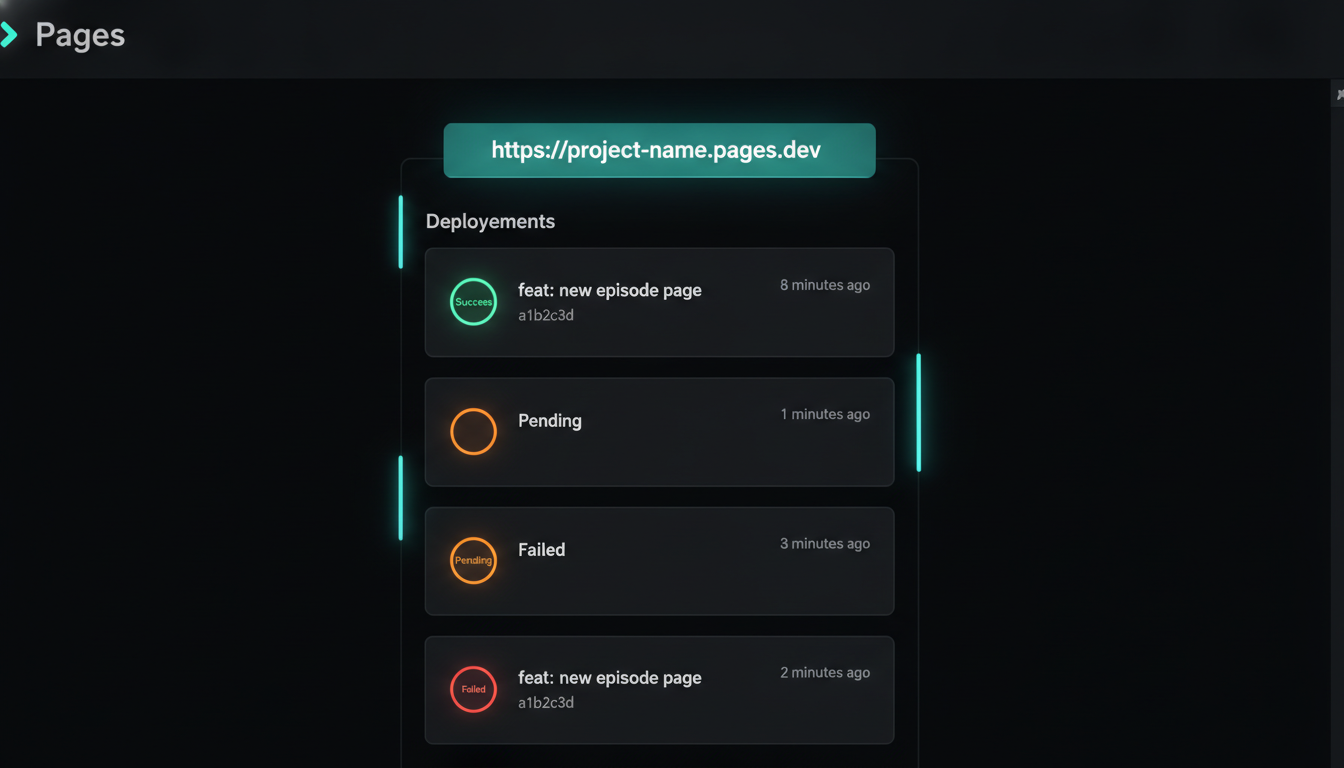
A Cloudflare Pages deployments dashboard showing the latest push as a green Success, with the commit message and hash and a live production URL.
⌁ screen-recorded · ~30s to live · $0 servers
It starts with the thing everyone still believes about hosting.
01 The old way

Hosting used to mean a server

Ask most people how a website goes online and you get the same three answers: a server to rent, an FTP client to drag files into, or a monthly hosting bill. All to show the world some static HTML. Pushing one commit shouldn't need any of that — and it doesn't.

claude code — desktop
> how do I put this site online without renting a server or touching FTP?
You don't need either. Point Cloudflare Pages at your GitHub repo once. It watches the main branch and rebuilds + redeploys on every push. Free tier, auto HTTPS, no server to keep alive.
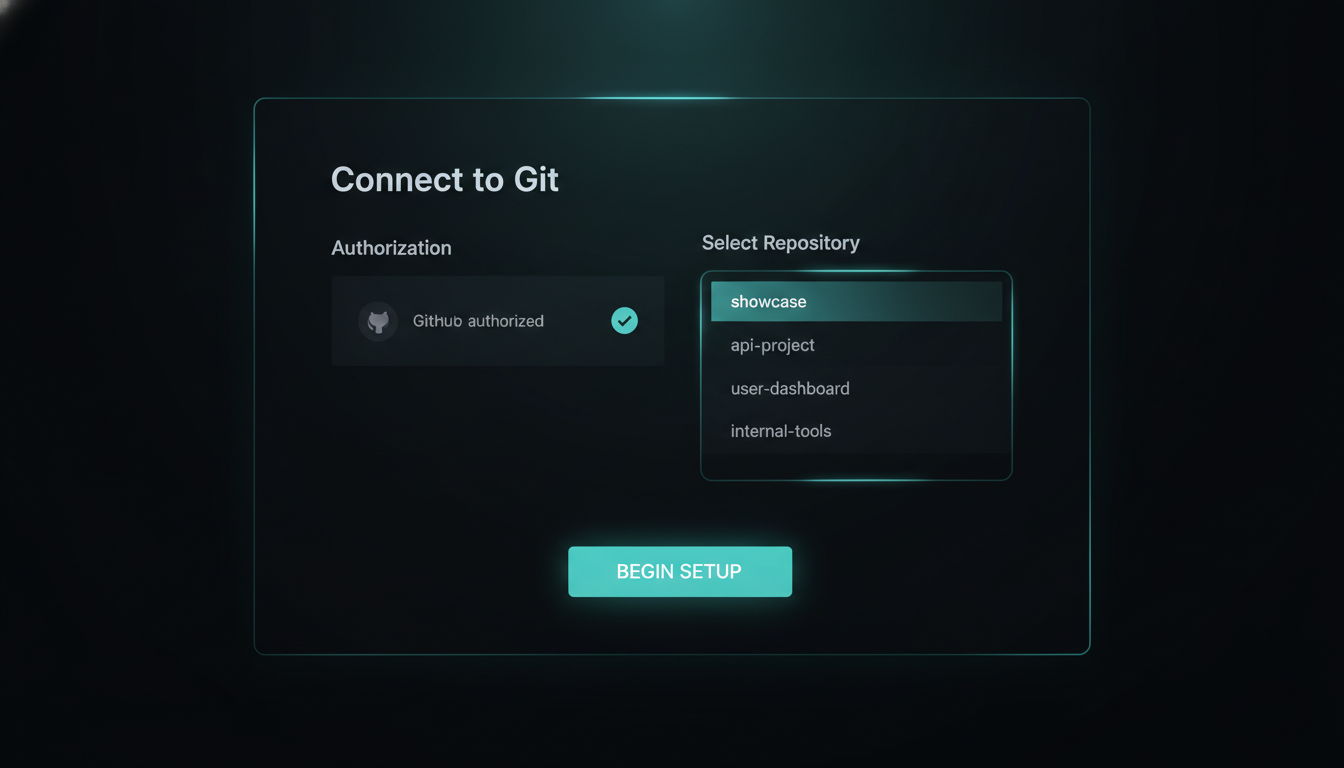
The Cloudflare Pages 'Connect to Git' screen with the tellingtechnology GitHub repository selected, ready to import.
connect once
One-time link: Cloudflare Pages → the GitHub repo
02 The whole config

Two fields and a branch

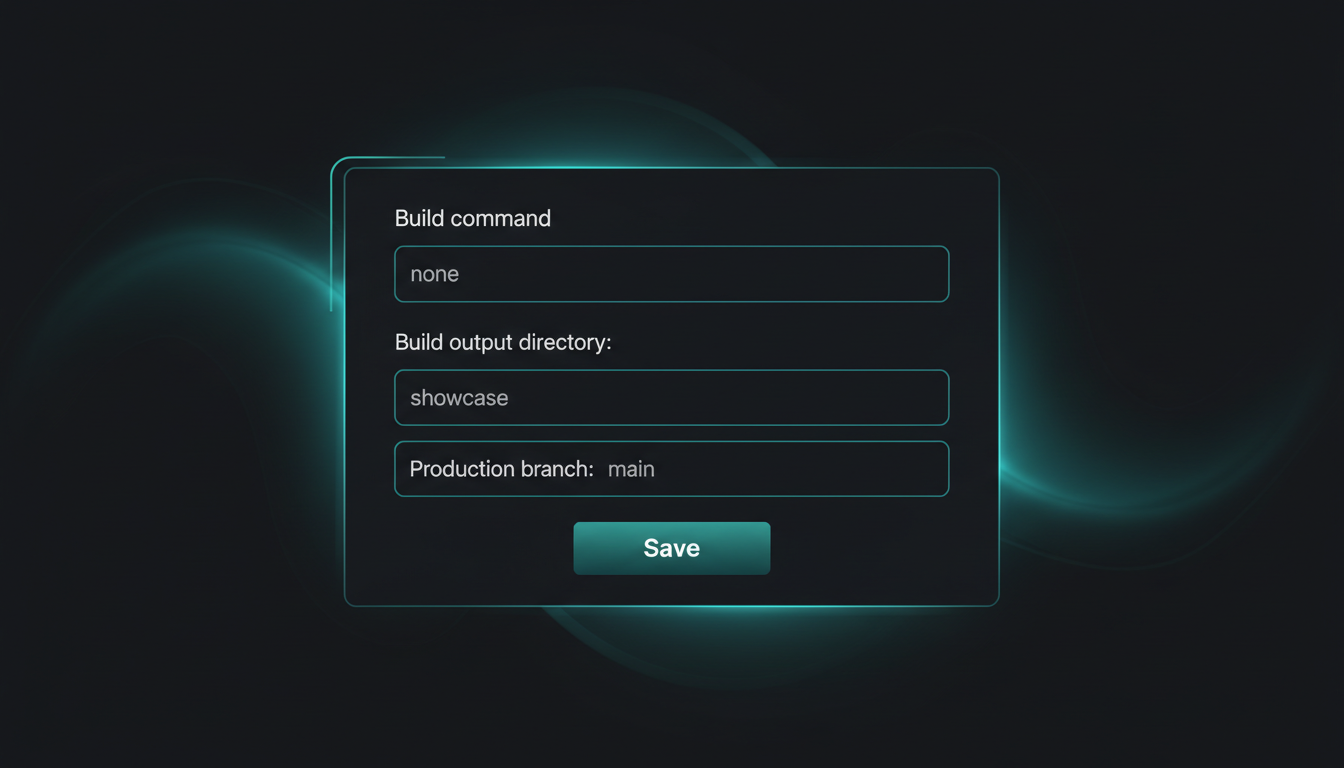
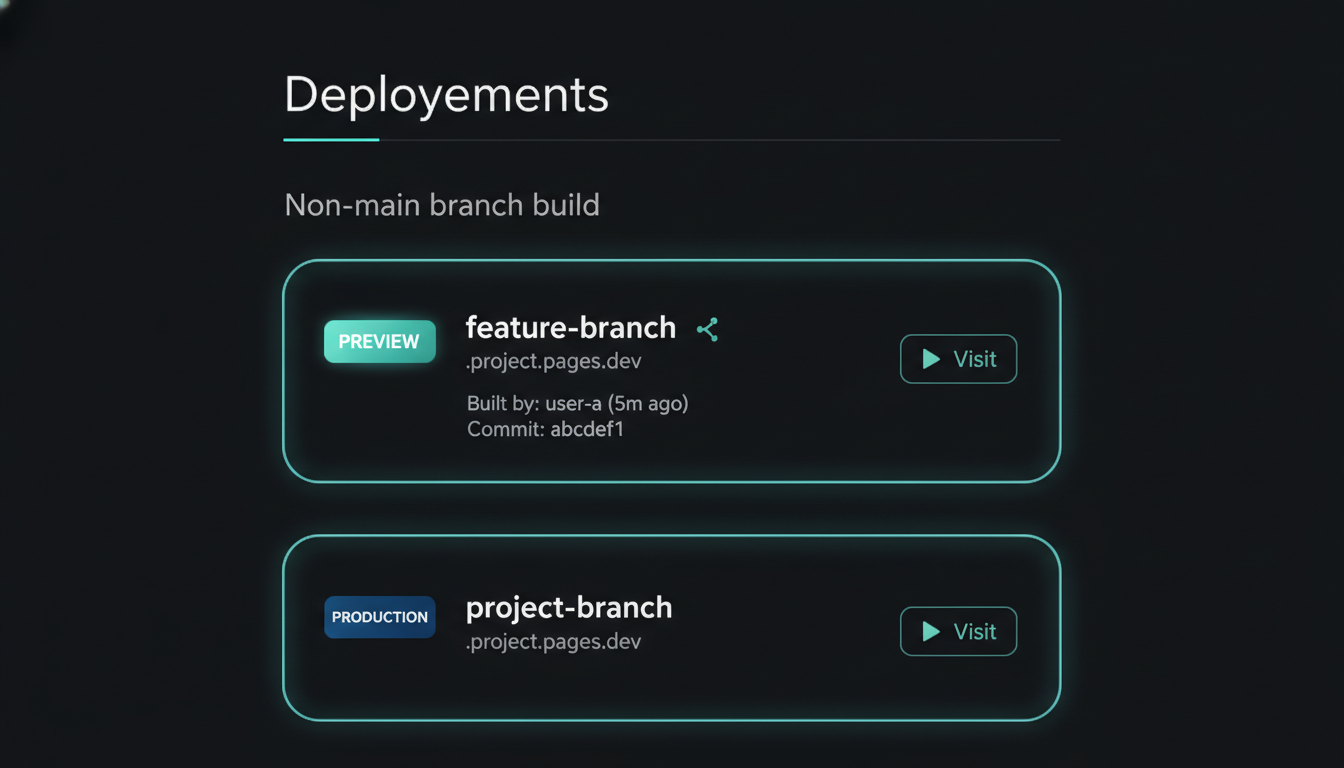
The entire setup is a build command, an output folder, and the branch to watch. Fill those and you also get, for free: a custom domain with automatic HTTPS, and a unique preview URL for every branch and pull request — so you can see a change live before it ever touches main.

claude code — desktop
> what do I actually have to configure?
Three fields: build command, output directory, production branch = main. Add your domain and Cloudflare issues the cert itself. Every branch push gets its own *.pages.dev preview URL automatically.
The Cloudflare Pages build configuration panel showing the build command, the output directory set to the showcase folder, and the production branch set to main.
build settings
Build command + output dir + production branch — that's it
03 The live demo

Edit a line, push, watch it deploy

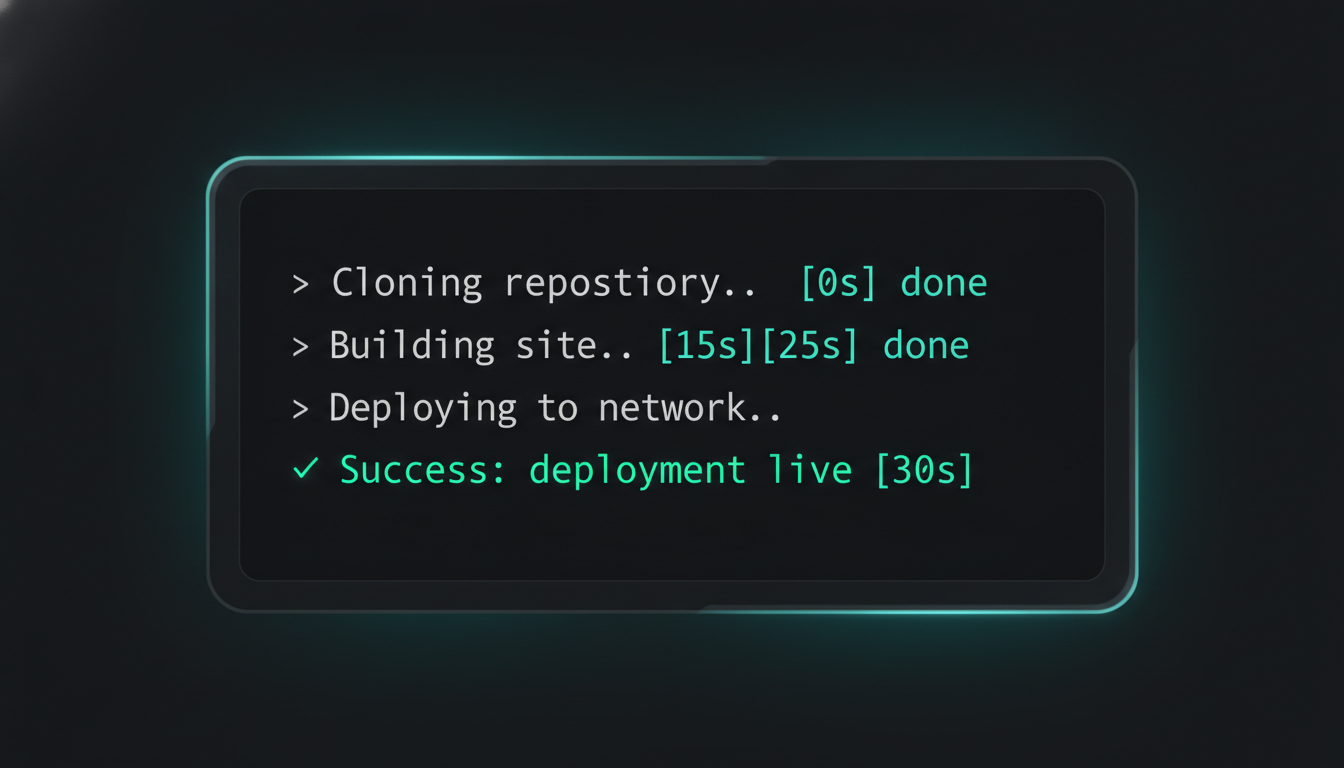
Change one line of code. git push. Cloudflare catches the push, spins up a build, and streams the log live — clone, build, deploy — then flips the production URL to the new version. Refresh the site and the change is there. Start to finish: about thirty seconds, zero clicks after the push.

claude code — desktop
> git commit -am "tweak the hero line" && git push
Pushed to main. Cloudflare Pages triggered a build automatically — Cloning… Building… Deploying… — Success in ~30s. Live URL now serving the new commit. No deploy button pressed.
A Cloudflare Pages build log streaming mid-run: cloning the repository, running the build command, and uploading files to the deployment.
build log · live
The build log running itself, triggered by the push
⚠️

The one field that bites

Get the output directory wrong and Cloudflare cheerfully deploys an empty site — a live URL serving a blank page or a 404, build marked green. Point it at the exact folder your build writes to (here, only showcase/ ships — everything else in the repo stays off the public site). One field, and it's the difference between "it works" and "why is my site blank?"

04 The receipts

Four screens from the pipeline

The one-time repo connect, the entire build config, a preview URL living on a branch, and the log deploying on its own. Tap any image to enlarge it and read exactly what's on screen.

ONE PUSH · ~30 SECONDS · SITE UPDATED

The DevOps job, replaced by a checkbox

A decade ago this was a job description: provision a server, wire a CI runner, script the deploy, manage the certs. Now it's a repo you connect once and a branch it watches. Edit a line, push, and the live site rebuilds itself before you've switched tabs — free tier, auto HTTPS, preview per branch. The pipeline didn't get easier. It disappeared.

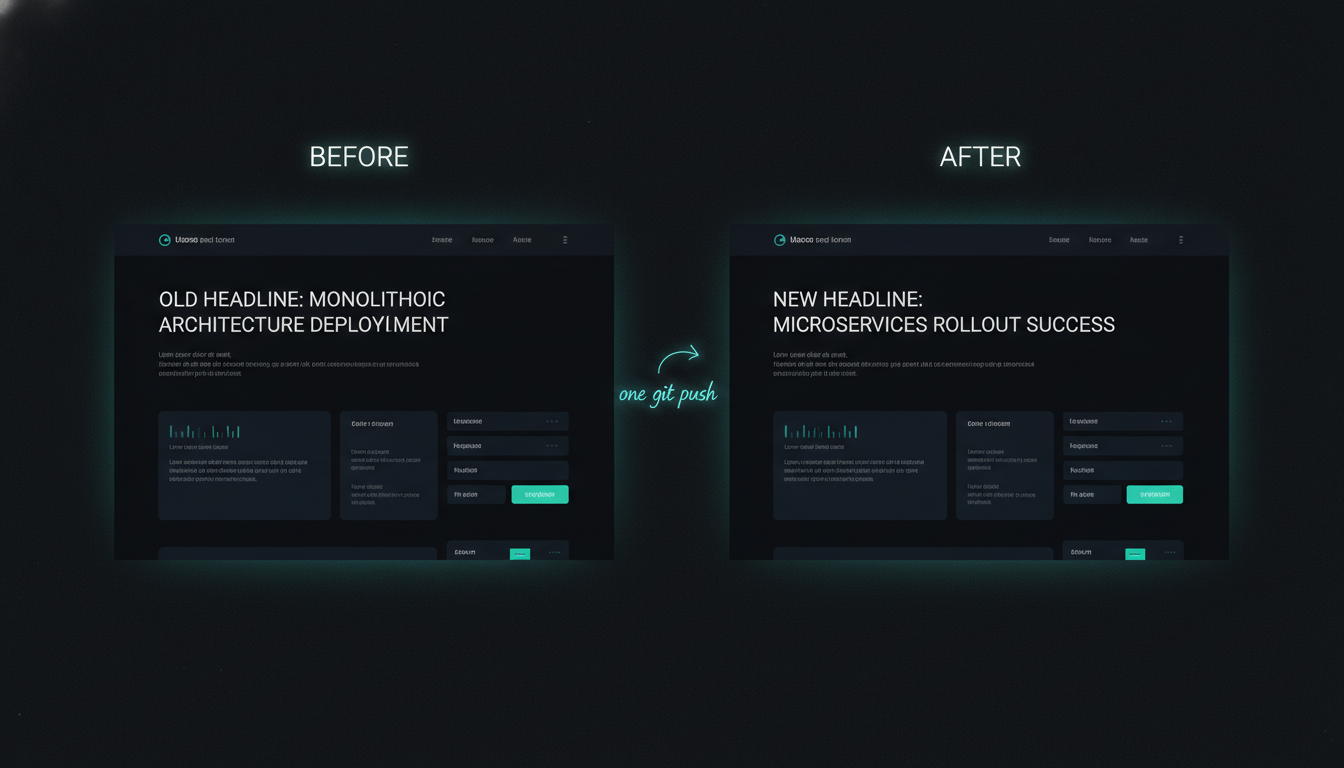
Before-and-after of the live site: the old line on the left, the new line on the right after a single git push rebuilt and redeployed it.
Cloudflare Pages · free tier · this very site deploys this way
06 Steal this

Deploy your own site free

No server, no bill, no deploy button — just a repo Cloudflare watches. Here's the exact recipe I use for this site. Everything is free and open — clone it, run it, make it yours.

recipe connect → build cmd → output dir cmd git push = deploy config preview-per-branch free custom domain + HTTPS
the whole pipeline # Cloudflare Pages → Connect to Git → set build command + output dir → push to main. Full recipe repo publishing soon

Recipe repo's being cleaned up for release. Comment DEPLOY on the post and the bot DMs you the step-by-step the moment it's public.

Next episode

Next: my bot gets a command palette

The AIOS Telegram bot just learned a /run command and a BotFather-style menu — so the phone stops being a place I type and starts being a place I press one button and things happen.

A darkened preview of the AIOS Telegram bot, hinting at a new command palette.
drops soon · follow so you don't miss it